Aladdin’s Magic Carpet 3D Flight Addon for Minecraft Bedrock: How to Craft & Fly
For over a decade, the only true way to take flight in pure Minecraft survival has been the Elytra. But let’s be real: flying with an Elytra comes with huge annoyances. You constantly have to grind gunpowders and sugar cane for firework rockets, you have to watch your durability tick away, and one awkward glide into a mountain wall can end your hardcore world in seconds. Worst of all—an Elytra cannot hover.
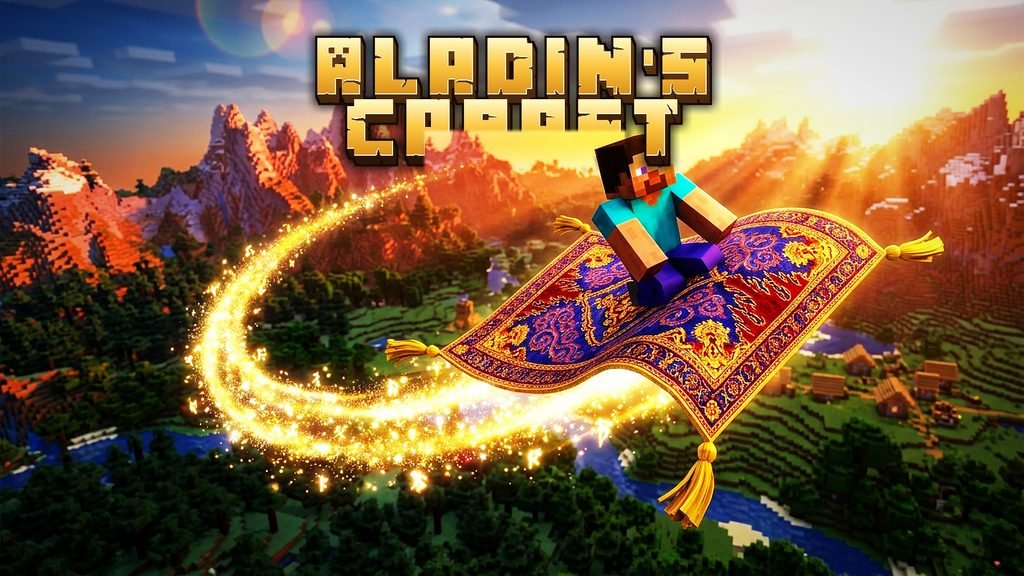
What if you could soar across the skies with complete 3D freedom, stop mid-air to scout terrain, and land gently without taking a single heart of fall damage?
Created by BR GAMERS, Aladdin’s Magic Carpet (3D Flight) is a revolutionary flight addon designed specifically for Minecraft Bedrock Edition (1.21+).
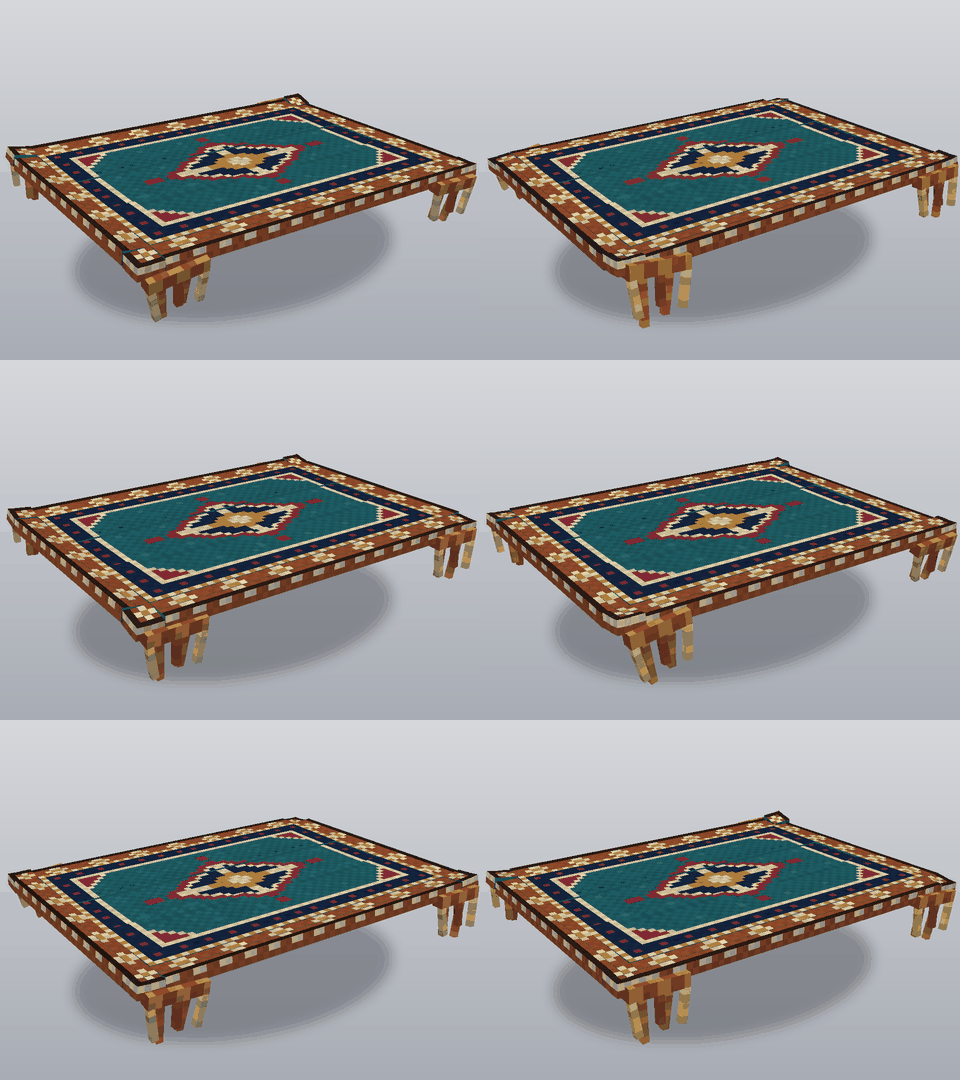
Instead of a stiff, robotic vehicle, this addon introduces an ornate, 128×128 woven royal carpet with fluid aerodynamic physics, dynamic banking turns, supersonic sprint-boosts, and full survival craftability.
In this comprehensive guide, we will break down the crafting recipe, 3D flight controls across all devices, how it stacks up against the Elytra, and how to download and install it.
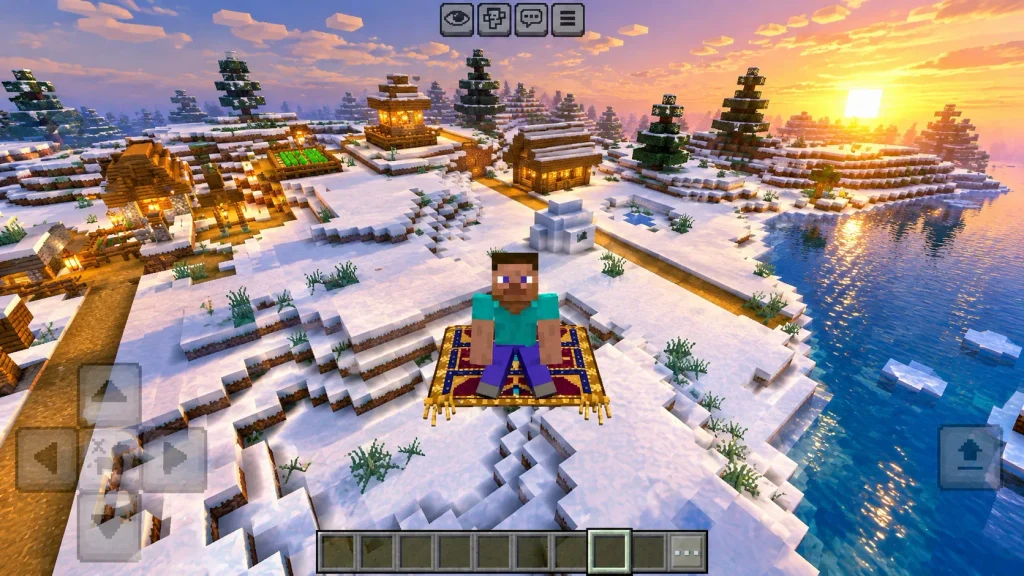
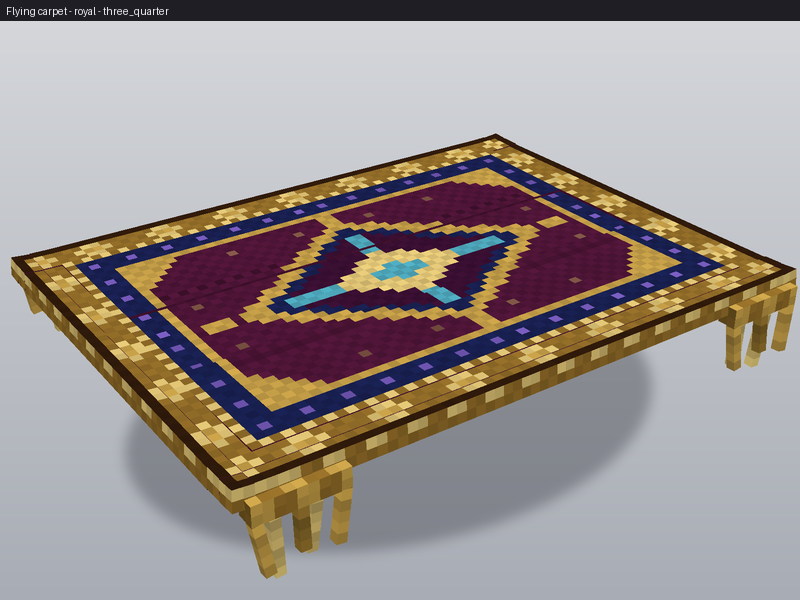
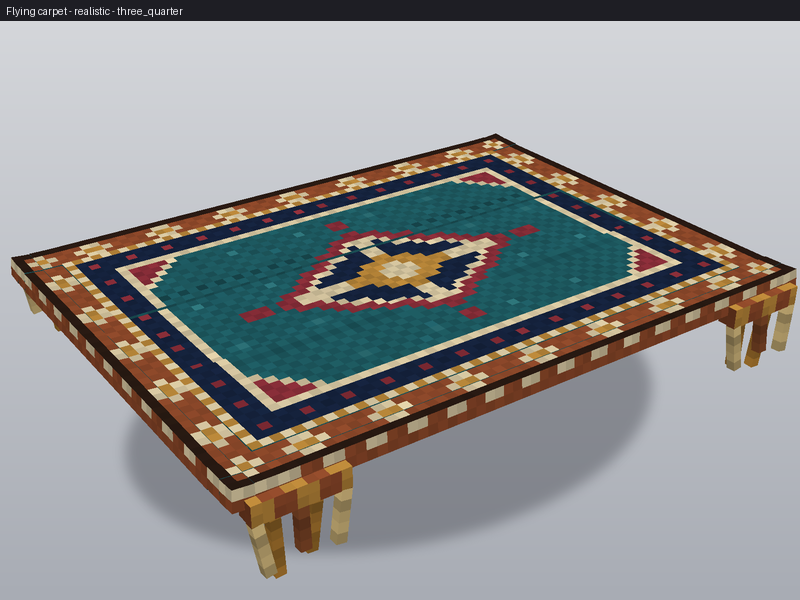
Key Features: Why This Isn’t Just Another Fly Mod
Many Minecraft flying mods simply give you creative flight while in survival mode. Aladdin’s Magic Carpet is completely different because it is powered by a custom 3D flight physics engine:
- Realistic 3D Aerodynamics: The carpet features full pitch, yaw, and roll mechanics. When you turn, the carpet tilts dynamically into the turn (banking physics) rather than snapping stiffly.
- Handcrafted 128×128 Model: Features rich royal embroidery, fluttering corner tassels, and cloth-ripple animations that react to wind speed while flying.
- Supersonic Sprint Boost: Need to escape a Phantom swarm or outrun a Ghast fireball? Engage the sprint-boost to surge forward with sonic particle trails and atmospheric rushing wind sounds.
- Hovering Mid-Air: Unlike Elytra wings that force you to keep gliding forward, you can bring your Magic Carpet to a complete standstill in mid-air to build floating structures, shoot a bow, or map out coordinates.
- No Fall Damage: Dismounting or touching the ground is butter-smooth with built-in impact dampening.
Magic Carpet vs. Vanilla Elytra
Here is a direct head-to-head comparison between vanilla Minecraft’s Elytra and the BRG Magic Carpet:
| Feature | Vanilla Elytra Wings | Aladdin’s Magic Carpet (BRG) |
|---|---|---|
| Hover Mid-Air | ❌ No (Must keep moving) | ✅ Yes (Full 360° hover) |
| Fuel / Boost Source | ❌ Stacks of Firework Rockets | ✅ Free / Built-in Sprint Boost |
| Takeoff Requirement | ❌ High Ledge or Rocket Jump | ✅ Instant Takeoff from Flat Ground |
| Fall Damage Risk | ❌ High (Kinetic impact deaths) | ✅ Zero Fall Damage |
| Survival Crafting | ❌ End Ship Loot Only | ✅ Craftable in Early/Mid Survival |
| Repair Method | Phantom Membranes / Anvil | Wool, String or Gold / Anvil |
How to Craft the Magic Carpet in Survival
You don’t need to defeat the Ender Dragon or raid End Cities to get your hands on true flight. Head to a Crafting Table and assemble the royal weave using common survival ingredients:
Crafting Recipe:
- 3x Red Wool (or Gold Wool depending on your weave preference)
- 2x Gold Ingots (For the royal embroidered trim)
- 2x Feathers (For aerodynamic lift)
- 2x Strings (For woven stitching)
(Pro Tip: If you need tons of wool, string, and gold ingots to craft and repair carpets for your whole multiplayer realm, deploy our BRG FarmForge Addon to set up automated resource farms in seconds!)
Repairing Your Carpet:
Just like high-tier gear, your carpet can take wear over hundreds of flying hours. Simply place your damaged Magic Carpet inside an Anvil along with Wool, String, or a Gold Ingot to restore it to 100% durability without losing any custom name tags.
3D Flight Controls Cheat Sheet
Flying the Magic Carpet is intuitive, but mastering supersonic banking requires knowing your device’s controls:
On Windows 10/11 (PC Keyboard & Mouse):
- Mount / Deploy: Hold the folded carpet in your hand and right-click to unfold and mount.
- Pitch & Steering: Look up to ascend, look down to dive, look left/right to bank into turns.
- Supersonic Boost: Double-tap
W(Sprint key) to trigger the high-speed boost trail. - Dismount / Land: Press
Left Shift(Sneak) when close to the ground to land and automatically fold your carpet back into your inventory.
On Mobile / Tablet (Android & iOS Touch Controls):
- Mount: Hold carpet and tap your screen or press the interactive Ride prompt.
- Steering: Drag your camera view to direct your flight vector.
- Boost: Double-tap the forward movement button.
- Dismount: Double-tap the center sneak button.
On Console (Xbox & PlayStation Controller):
- Steering: Use the Right Analog Stick to aim your pitch and climb.
- Boost: Click
Left Stick(L3) to activate sprint boost. - Dismount: Press
Right Stick(R3) or Sneak button.
Pro Aerial Exploration Strategies
Flying a Magic Carpet completely changes how you interact with your Minecraft world:
- Mountain & Seed Scouting: Soaring at high altitudes allows you to scout massive mountain terrain effortlessly. Check out our Minecraft Seeds Hub for the most dramatic cliff coordinates and ancient city spawns to explore with your carpet.
- Inventory Management: When you’re flying across thousands of blocks, your inventory will quickly overflow with village loot and temple chests. Equip our Survival Backpack Addon so you can store stacks of items while remaining airborne.
- Speed & Distance Timing: To measure your travel speed in blocks-per-second and calculate Nether coordinate synchronization, use our Minecraft Calculators.
Troubleshooting & Experimental Settings
If you craft the carpet but cannot take flight or notice missing animations, ensure your world is configured properly:
- Experimental Toggles: Open your Bedrock World Settings ➔ Experiments tab, and make sure “Holiday Creator Features”, “Custom Biomes”, and “Beta APIs” are toggled ON.
- Resource Pack Priority: In your Global Resources or World Resource Packs, ensure Aladdin’s Magic Carpet is placed near the top of the load order so its custom 128×128 woven textures render with full fidelity.
- Multiplayer Realms: Apply both the Behavior Pack and Resource Pack to your Realm settings. Other players do not need to download external files; the pack will sync automatically when they join.
Download Aladdin’s Magic Carpet Addon
Ready to ditch firework rockets and experience the smoothest, most cinematic 3D flight in Minecraft Bedrock? Download the official pack from CurseForge:
👉 Download Aladdin’s Magic Carpet on CurseForge (Official 1.21+ Download)
Frequently Asked Questions (FAQ)
Can the Magic Carpet burn in lava?
While the magic weave provides immense durability against kinetic damage, exposing your carpet to direct lava pits can destroy the item entity. Keep it safely in your hotbar when mining in the Nether.
Does the Magic Carpet work in multiplayer?
Yes! Multiple players can craft their own individual carpets, fly together, and race across the skies with zero desync on Bedrock dedicated servers and Realms.
Can I shoot arrows while flying?
Yes! Because the Magic Carpet allows you to hover stationary in mid-air, you can draw a bow, crossbow, or trident to rain down attacks on hostile mobs safely from above.