Free Fire MAX Addon for Minecraft Bedrock: Guns, Weapons & Battle Royale
Minecraft’s vanilla combat system is iconic, but after swinging swords and shooting bows for hundreds of hours, survival combat can feel repetitive. While enchanted Netherite swords and tridents deal heavy damage, nothing beats the rush of tactical, high-velocity gunplay.
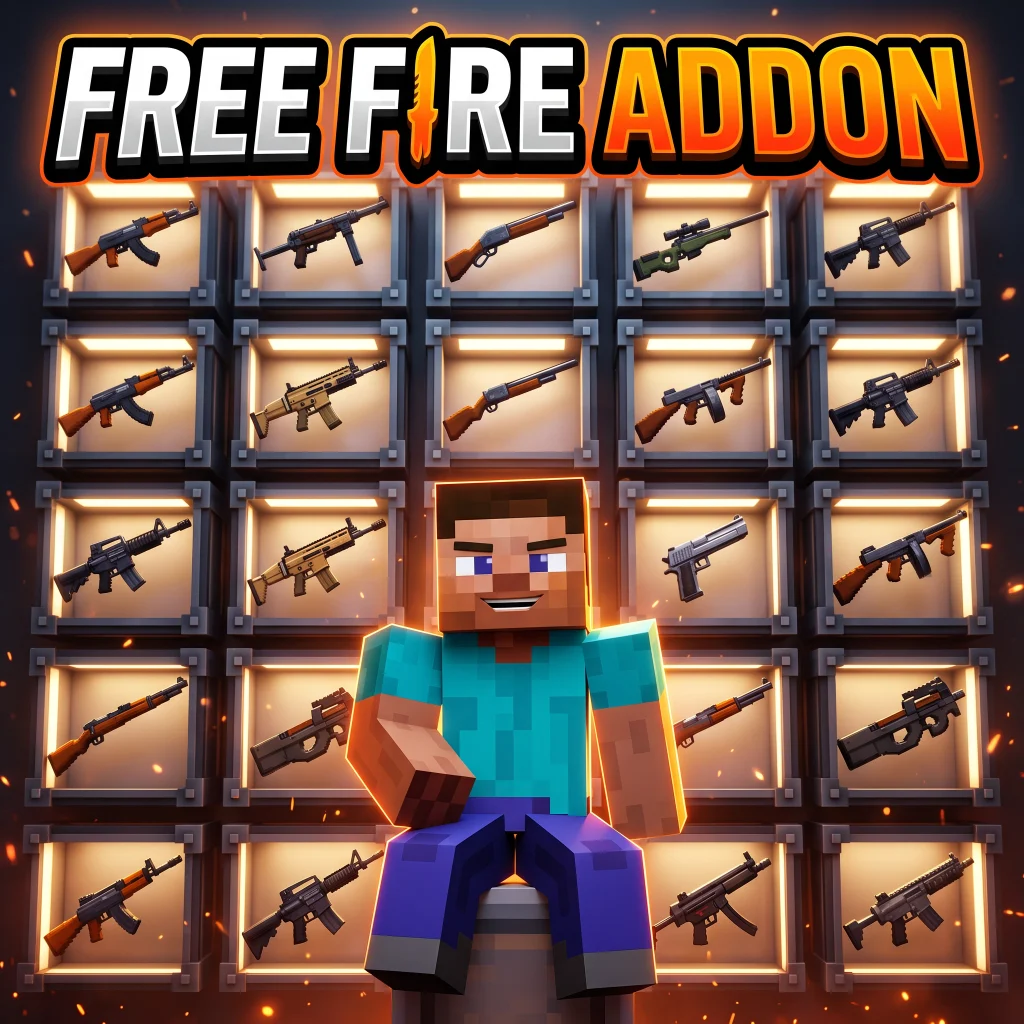
If you are a fan of both Minecraft survival and Battle Royale action, BR GAMERS has bridged the gap with Free Fire MAX Addon for Minecraft Bedrock Edition (1.21+).
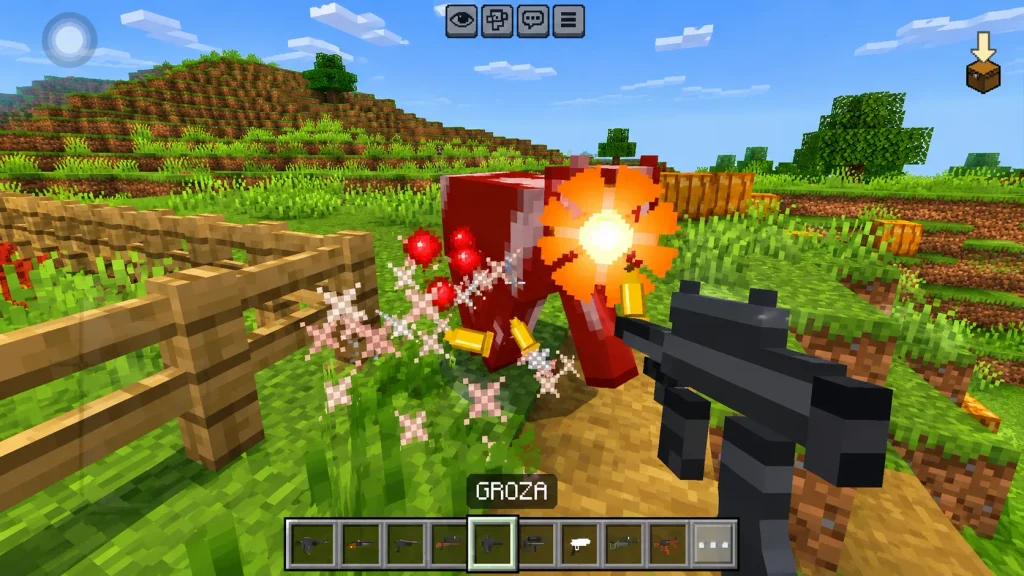
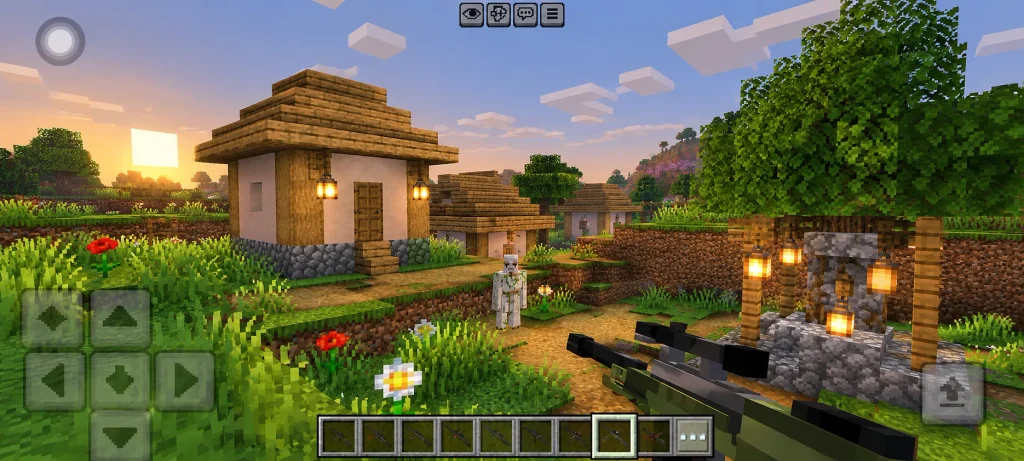
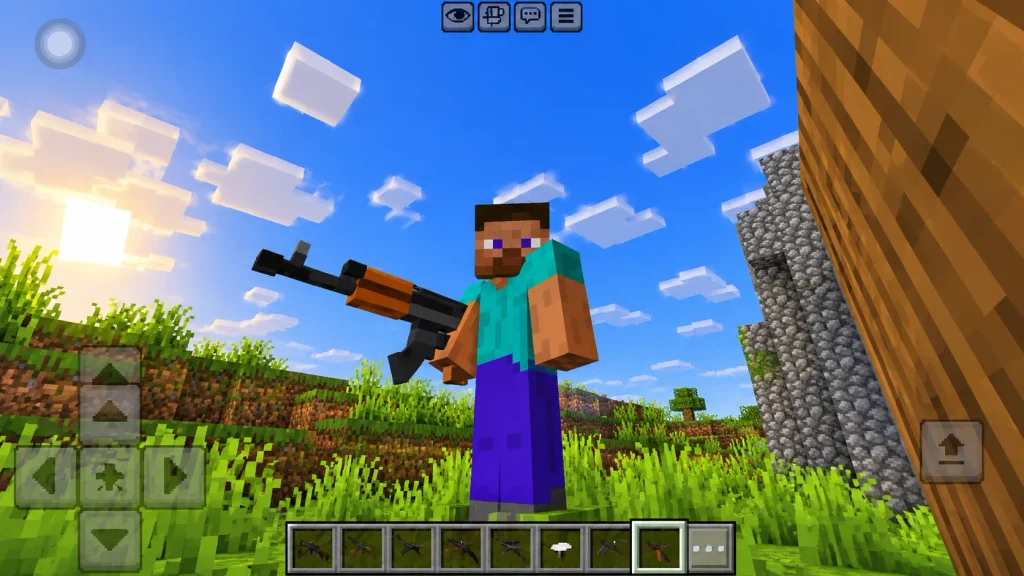
Instead of clunky 2D sprite guns or simple reskinned bows, this addon imports fully realized 3D modeled firearms, authentic reload animations, custom muzzle flashes, recoil physics, Medkits, and the legendary Gloo Wall directly into your Bedrock world.
In this guide, we break down every weapon included, how to craft tactical ammo, master Gloo Wall defense, set up multiplayer PvP matches, and download the addon.
What is the Free Fire MAX Addon?
Created specifically for Minecraft Bedrock (MCPE / Windows / Consoles), the Free Fire MAX Addon transforms standard survival into an adrenaline-pumping Battle Royale experience.
Key features include:
- True 3D Weapon Models: Handcrafted 3D guns with detailed metallic textures, custom iron sights (ADS – Aim Down Sights), and dynamic muzzle flash lighting.
- Authentic Firing & Reload Audio: Crisp gunfire sounds, shell ejection effects, and tactical reload animations that match the intensity of Free Fire MAX.
- Tactical Gloo Walls: Throw an instant deployable Gloo Wall to shield yourself from sniper shots, Creeper blasts, or Warden attacks.
- Battle Royale Survival Gear: Includes Military Helmets (Level 1–3), Kevlar Vests, Medkits, Inhalers, and Airdrop Crates.
- Survival Balanced: Every weapon, magazine, and tactical tool can be crafted legitimately in pure survival mode using standard Minecraft ores.
Weapon Stats & Arsenal Tier List
The addon features iconic Free Fire firearms, each tuned with custom projectile velocity, damage values, and recoil patterns:
| Weapon | Class | Damage Output | Effective Range | Fire Rate |
|---|---|---|---|---|
| AWM | Sniper Rifle | Massive (1-Shot Kill on unarmored mobs) | Extreme (100+ Blocks) | Slow (Bolt-Action) |
| M1887 | Double-Barrel Shotgun | Lethal Close-Range Burst | Short (Close Quarters) | High 2-Shot Burst |
| MP40 | Submachine Gun (SMG) | High DPS / Shredder | Short to Medium | Ultra Fast |
| AK47 | Assault Rifle (AR) | Heavy Sustained Damage | Medium to Long | Moderate (High Recoil) |
| Desert Eagle | Handgun / Sidearm | High Precision Pistol Damage | Medium | Semi-Automatic |
(Pro Tip: If you want to calculate exact mob hit points, headshot multipliers, and weapon damage curves, check out our Minecraft Calculators to optimize your combat loadout.)
The Gloo Wall: Tactical Defense in Survival
The signature feature of Free Fire is the Gloo Wall, and its integration into Minecraft Bedrock is a total game-changer:
- Instant Fortification: Holding and throwing a Gloo Wall grenade instantly generates a curved ice-reinforced barricade right in front of your character.
- Anti-Creeper & Boss Shield: Stuck in a tight cave with a charged Creeper or an angry Warden? Drop a Gloo Wall to absorb 100% of the explosion and buy time to heal.
- Climbing / Parkour Utility: Deploy Gloo Walls against cliff faces or tall structures to create instant platforms for scaling mountains and ravines.
- Durability & Decay: Gloo Walls withstand multiple bullet rounds and explosions before naturally shattering, keeping worlds clean from block clutter.
How to Craft Weapons & Ammo in Survival
You don’t need creative mode to start blasting. Set up your Crafting Table and stock up on basic mining resources:
1. Basic Bullet Ammo
- Recipe: Combine 1x Gunpowder and 2x Iron Nuggets to craft standard ammunition boxes.
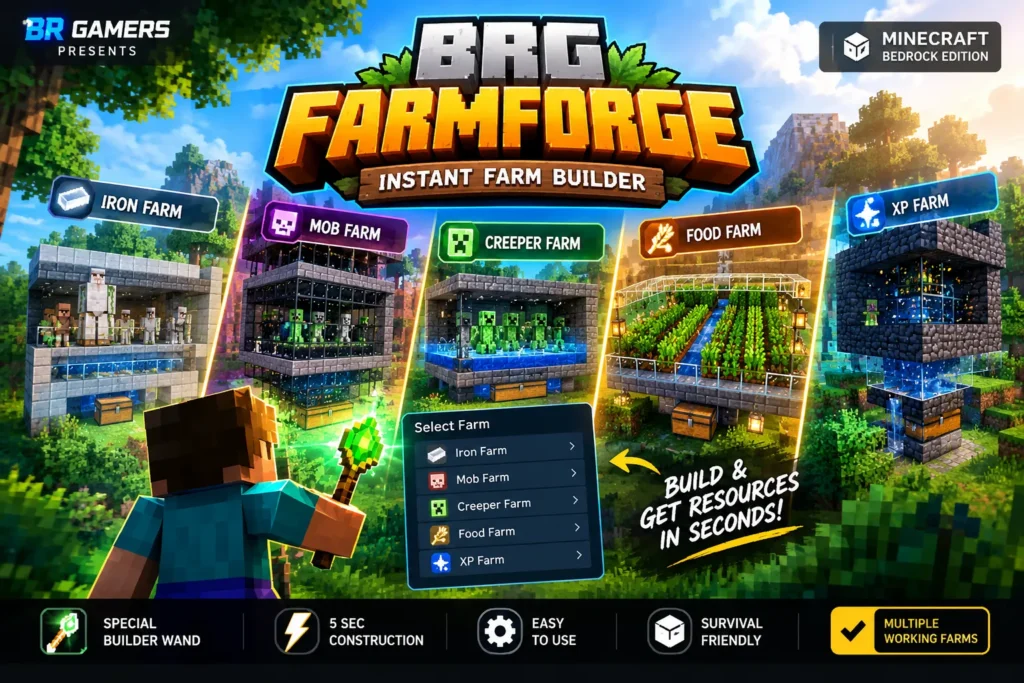
- (Gamer Tip: Farming iron and gunpowder manually can take hours. Use our BRG Vein Miner Addon to strip-mine iron veins instantly, or deploy our BRG FarmForge Addon to construct an automated mob grinder for infinite gunpowder!)
2. Tactical Firearms
- Combine Iron Ingots, Redstone Dust, and Tripwire Hooks to forge receiver frames and weapon bodies.
- Upgrade your guns by combining them with precision scopes and extended magazines on an Anvil.
3. Medkits & Inhalers
- Combine 1x Glass Bottle, 2x Sweet Berries, and 1x Glistering Melon to craft fast-acting combat Medkits that instantly regenerate hearts mid-battle.
- (Inventory Tip: Weapons, spare magazines, and Medkits consume heavy hotbar space. Equip our Survival Backpack Addon so you can carry multiple armaments and hundreds of ammo rounds without running out of slots.)
Setting Up Battle Royale PvP Matches on Realms
If you run a Bedrock Realm or dedicated server with friends, this addon turns your world into a competitive Battle Royale arena:
- Pick the Right Terrain: Wide open plains, desert biomes, and savannah plateaus make for the best PvP drop zones. Browse our Minecraft Seeds Hub for expansive flat plains and village spawn seeds.
- Scatter Loot Crates: Place chests containing random tier weapons (MP40s, Shotguns, Medkits, Gloo Walls) throughout villages and abandoned structures.
- Drop In & Fight: Equip carpets or parachutes to drop in from build height and fight down to the final survivor!
Controls Cheat Sheet: Aiming & Reloading
- Fire Weapon: Left-click (PC), Tap/Hold Screen (Mobile), Right Trigger / RT (Controller).
- Aim Down Sights (ADS): Sneak / Crouch while holding the weapon to zoom in through red dot sights and sniper scopes for pinpoint accuracy.
- Reload Magazine: Keep the corresponding ammo in your off-hand or hotbar, and long-press / right-click when the magazine is empty.
- Deploy Gloo Wall: Select the Gloo Wall item in your hand and right-click or tap the ground to deploy the shield instantly.
Troubleshooting & Experimental Settings
To ensure custom 3D guns, particle trails, and Gloo Wall entities render without glitches, verify these world settings:
- Enable Experiments: Open World Settings ➔ Experiments tab, and ensure “Holiday Creator Features”, “Custom Biomes”, and “Beta APIs” are toggled ON.
- Resource Pack Load Order: Make sure the Free Fire MAX Resource Pack is placed at the top of your active resource packs list.
- Smooth Multiplayer: If playing on mobile LAN or Realms, toggle “Render Distance” down to 8–10 chunks to maintain 60 FPS during heavy automatic gunfire.
Download Free Fire MAX Addon
Ready to turn your Minecraft world into a high-octane tactical Battle Royale battleground? Download the official, verified pack from CurseForge:
👉 Download Free Fire MAX Addon on CurseForge (Official 1.21+ Download)
Frequently Asked Questions (FAQ)
Does this addon work on mobile (MCPE / Android / iOS)?
Yes! The Free Fire MAX addon is fully optimized for touch controls on Android and iOS devices, featuring dedicated fire and aim buttons.
Can hostile mobs be killed with Free Fire guns?
Absolutely. All custom firearms deal direct damage to vanilla mobs including Zombies, Skeletons, Endermen, the Ender Dragon, and the Wither.
Are bullets infinite in survival mode?
No. Guns require crafted ammunition to balance survival gameplay. Make sure to stock up on gunpowder and iron before entering intense fights.