BGMI Gyroscope Guide – How to Use Gyro and Improve Your Aim
If you have been playing BGMI for a while, you have probably noticed players moving their phones slightly while aiming. That is the gyroscope in action.
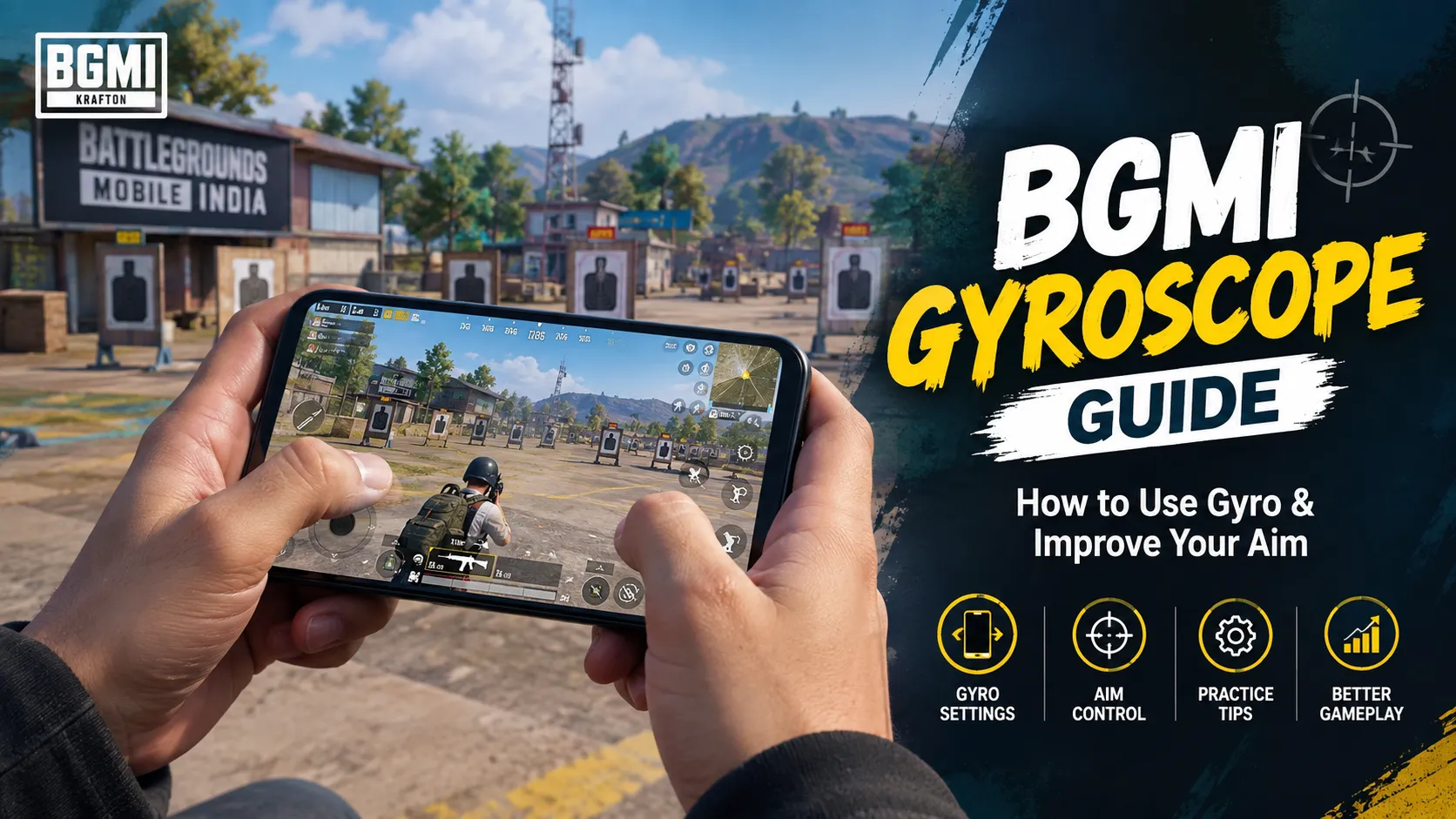
At first, using gyro can feel strange. Your aim moves when you tilt the phone, and even a small movement can make the camera shift more than expected. But once you get used to it, the gyroscope can give you much finer control over your aim and make small corrections easier.
The important thing is not to copy a random sensitivity setup and expect instant results. Gyroscope sensitivity depends on your device, frame rate, screen size, grip and personal playing style. A setting that feels comfortable on one phone may feel too fast or too slow on another.
This guide explains how the BGMI gyroscope works, how to start using it, how to adjust sensitivity and how to build the muscle memory needed to make it feel natural.
What Is Gyroscope in BGMI?
The gyroscope is a sensor in your phone that detects movement and rotation.
In BGMI, it can be used to control your in-game camera by physically tilting your device. Instead of doing every small adjustment with your thumb, you can use a combination of touch movement and controlled phone movement.
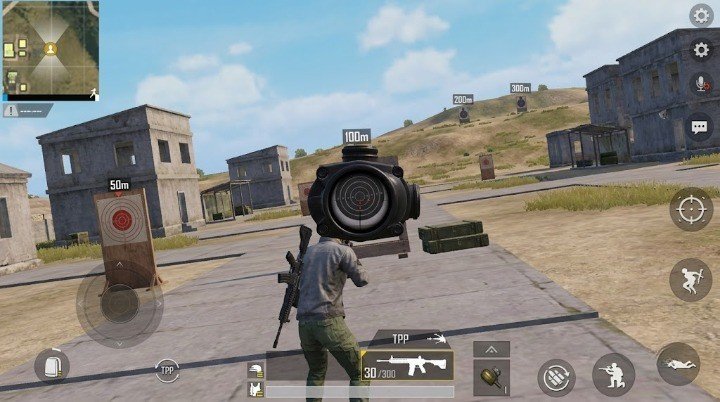
For example, if your crosshair is slightly away from a moving target, you can make a small tilt instead of making a large swipe across the screen.
This is particularly useful for players who want more precise control during aiming and tracking.
How Does Gyroscope Work?
Think of your controls as having two different jobs.
Your thumb handles larger movements such as turning the camera, changing direction and quickly looking around.
Your gyroscope can handle smaller corrections by detecting how you move the phone.
The two controls do not have to compete with each other. Good gyro players usually combine them.
A common beginner mistake is trying to control everything with the gyroscope immediately. That can make the game feel uncomfortable. It is easier to start with small movements and gradually let the gyro become a bigger part of your aim.
Gyroscope vs Touch Controls
There is no requirement that every BGMI player needs to use gyro.
Touch-only controls can work perfectly well, especially if you are already comfortable with your current setup. Gyroscope is simply another control option that can give you additional precision.
| Control Method | Main Advantage | Learning Curve |
|---|---|---|
| Touch only | Simple and familiar | Lower |
| Gyro + touch | More control over small movements | Medium |
| Heavy gyro use | Very precise physical adjustments | Higher |
If you are completely new to gyro, there is no reason to change your entire control style in one day.
Start slowly and give yourself time to adjust.
Scope On or Always On?
BGMI provides different ways to use the gyroscope. One common choice is whether gyro should remain active generally or activate when you are aiming.
Scope On
With this approach, the gyroscope becomes active when you aim.
For beginners, this can be easier because normal camera movement still feels familiar. You can learn the relationship between phone movement and aim without changing your entire control experience.
Always On
With Always On, gyro remains available during gameplay.
This gives you more freedom to use physical movement for different aiming situations, but it can take longer to get comfortable with.
If you have never used gyro before, starting with a more limited setup can make the transition easier. Once your movements become consistent, you can decide whether you want to use it more extensively.
How to Find Your BGMI Gyroscope Sensitivity
There is no single sensitivity number that is perfect for every player.
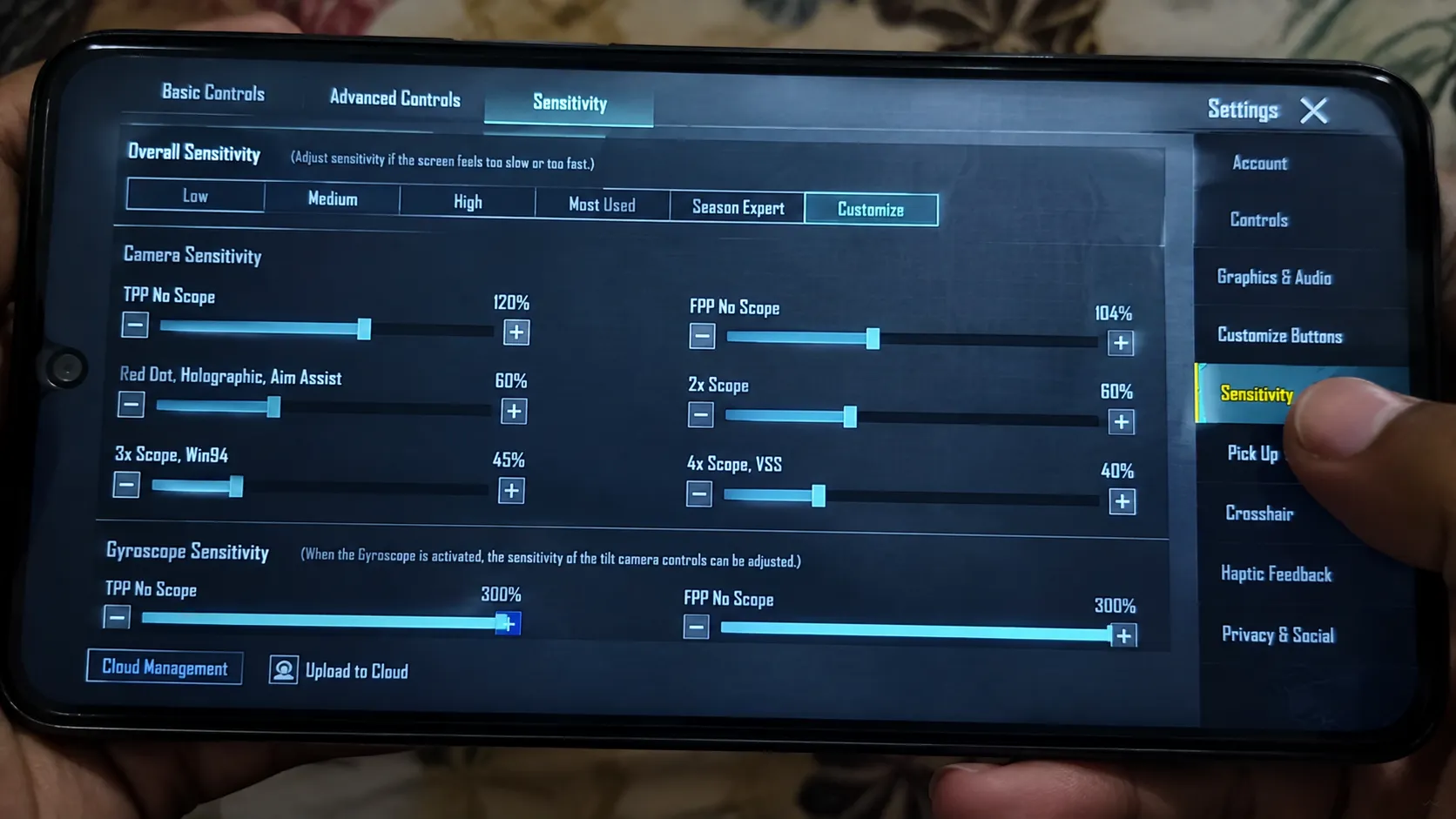
Recent BGMI sensitivity guides use different starting ranges, which is a good example of why copying someone else’s settings blindly is not always useful.
Instead, use this simple method.
1. Start With a Moderate Setting
Don’t immediately choose an extremely high sensitivity.
You want the camera to respond when you move your phone, but you also want enough control to stop the movement accurately.
2. Make Small Adjustments
Change one sensitivity value at a time.
If you change everything together, it becomes difficult to understand which setting actually improved or hurt your control.
A small adjustment can make a noticeable difference.
3. Test the Same Movement Repeatedly
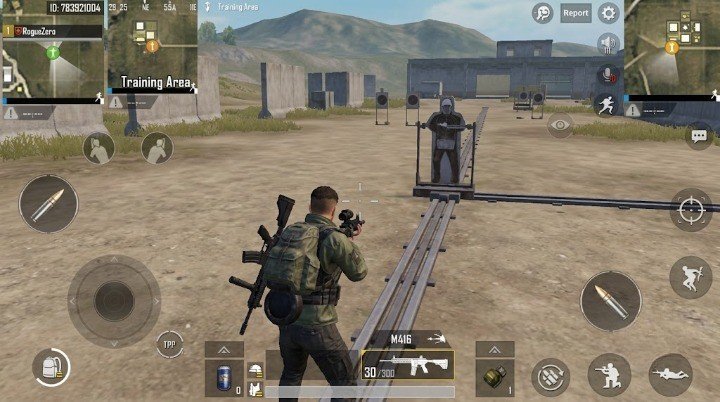
Go into the training area and repeat the same aiming movement several times.
Ask yourself:
- Does the camera move too quickly?
- Do small phone movements create too much movement?
- Does the aim feel slow?
- Can you stop the crosshair where you want?
- Do you feel comfortable holding the phone this way?
The last question is important. A technically popular sensitivity is not automatically the right sensitivity for you.
Don’t Chase “Zero Recoil” Settings
You will often see BGMI settings described as zero recoil, no recoil or perfect sensitivity.
Be careful with those claims.
Sensitivity does not magically remove the game’s weapon behaviour. It only changes how responsive your controls feel. Multiple current guides make the same basic point: a sensitivity setup should be treated as a starting point and adjusted to the player’s device and control style.
A better goal is simply:
Make your controls predictable and comfortable.
Once the controls feel predictable, practice becomes much more useful.
A Simple Gyroscope Practice Routine
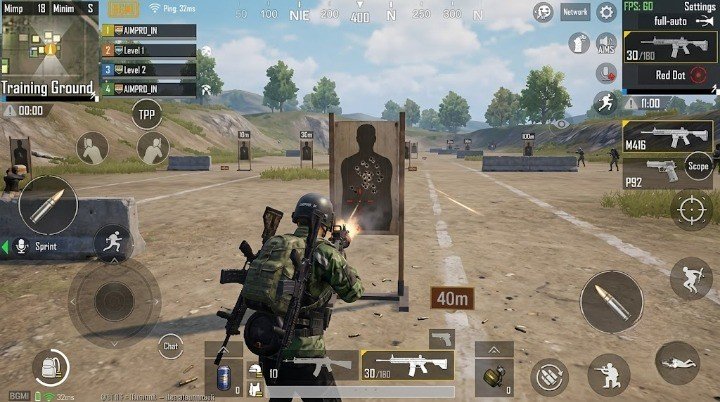
You don’t need to spend hours practicing.
Even a short, consistent session can help.
Step 1: Get Comfortable With Small Movements
Start by moving your phone very slightly from side to side.
Watch how the camera responds.
Don’t worry about speed. Your first goal is simply understanding the relationship between physical movement and on-screen movement.
Step 2: Practice Tracking
Choose a moving target in the training environment and try to keep your crosshair following it.
Use small movements rather than constantly moving the entire phone.
If you lose the target, reset and try again.
Step 3: Combine Thumb and Gyro
Once basic gyro movement feels comfortable, combine it with your normal touch controls.
Use your thumb for larger camera movements and gyro for small corrections.
This combination usually feels much more natural than trying to use only one control method.
Step 4: Repeat the Same Drill
Consistency matters more than constantly changing settings.
Try the same practice routine for several sessions before deciding that your sensitivity is wrong.
Common Gyroscope Mistakes
Changing Sensitivity Every Day
This is probably one of the biggest problems for new gyro players.
You try one setup, have a bad match, change everything and then repeat the process.
That prevents your muscle memory from developing.
Give a setting enough time before making another major change.
Using Too Much Phone Movement
Gyro does not mean you have to dramatically tilt your phone.
Small movements are usually easier to control.
Keep your grip comfortable and focus on making controlled adjustments.
Copying Another Player’s Settings
A setup from a professional player or content creator may look impressive, but that does not mean it will feel the same on your phone.
Different screens, refresh rates, device sensors and grips can change the experience.
Use other players’ settings as references, not as guaranteed solutions.
Changing Multiple Settings Together
If you change camera, ADS and gyro sensitivity at the same time, you won’t know which change caused the difference.
Change one thing, test it, then move to the next.
How Long Does It Take to Get Used to Gyro?
There isn’t a fixed number of days.
Some players become comfortable relatively quickly, while others need more time because they have spent years playing with touch controls.
The first few sessions may actually feel worse than your normal controls. That’s completely normal when learning a new input method.
Instead of judging gyro after one match, focus on whether your movements are becoming more consistent.
You should gradually notice that you are thinking less about moving the phone and more about where you want your crosshair to go.
Does Phone Performance Affect Gyroscope Control?
Your device can influence how controls feel.
Frame rate, touch response, screen size and the phone’s sensor behaviour all contribute to the overall experience. That’s another reason why a sensitivity profile shared online shouldn’t automatically be treated as the perfect setup for everyone.
If the game itself isn’t running smoothly, changing sensitivity may not completely solve the problem.
It’s better to first make sure your game runs consistently and then tune your controls.
Tips for Better Gyroscope Control
Here are a few simple things that can make the learning process easier:
- Start with a comfortable sensitivity rather than the highest possible value.
- Make small adjustments instead of completely changing your setup.
- Practice in the training area before testing major changes in matches.
- Keep your phone grip relaxed.
- Use your thumb and gyro together instead of forcing yourself to use only gyro.
- Give your settings time to become familiar.
- Don’t copy a sensitivity code just because someone calls it “perfect.”
- Change one setting at a time when troubleshooting.
- Focus on consistency instead of trying to make every movement extremely fast.
Frequently Asked Questions
Is gyroscope good for beginners in BGMI? +
Yes. Beginners can use gyro, but it is better to start gradually rather than immediately switching to an aggressive sensitivity setup.
Should I use Scope On or Always On? +
Scope On can be easier when you are learning because gyro is limited to aiming situations. Always On gives you more control but may take longer to get used to.
Is there a perfect BGMI gyro sensitivity? +
No. Sensitivity depends on your device, FPS, grip, control layout and personal preference. Online values should be treated as starting points rather than universal settings.
Does gyroscope improve aim? +
It can provide another way to make small aiming adjustments. Whether it improves your gameplay depends on how comfortable and consistent you become with it.
How should I practice gyro? +
Start with small movements, practice tracking, then combine gyro with your normal touch controls. Repeating the same drills is more useful than constantly changing sensitivity.
Should I copy a professional player’s sensitivity? +
You can use it as a reference, but don’t assume it will work perfectly on your device. Different hardware and playstyles can make the same settings feel very different.
Final Thoughts
The BGMI gyroscope is not a shortcut to instantly better gameplay. It is simply another control method that can give you more precise movement when you learn how to use it.
The best setup is the one that feels predictable in your hands. Start slowly, test your sensitivity in a controlled environment and avoid changing your settings after every bad match.
Once the basic movements become muscle memory, you can gradually make the setup faster or more responsive according to your own playstyle.
Most importantly, don’t worry if gyro feels awkward at first. Almost every new control method takes some adjustment. Give yourself time to learn it instead of chasing a different sensitivity every few days.
Related Articles: