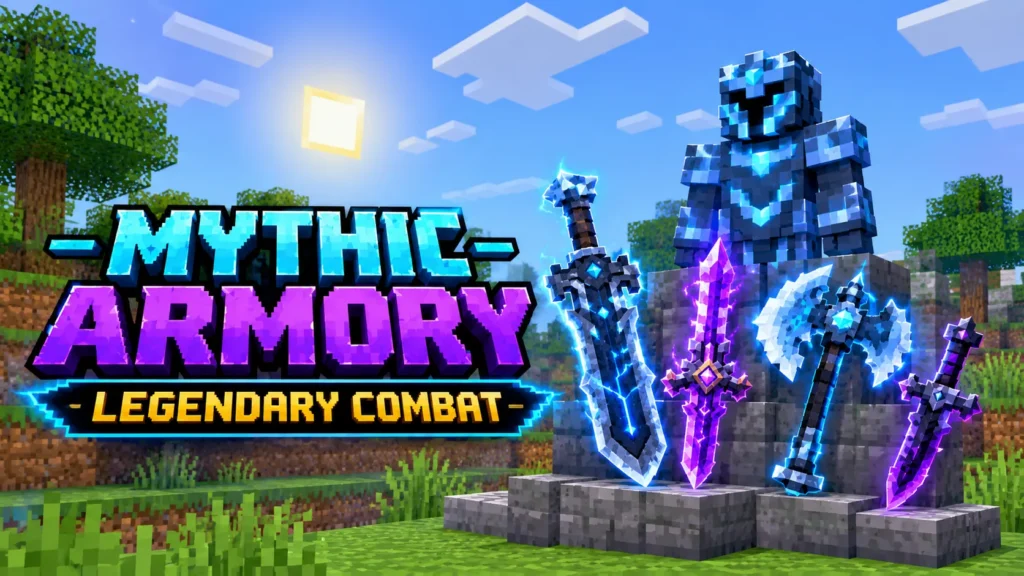
Mythic Armory addon – Legendary Combat for Minecraft Bedrock
Minecraft Bedrock Edition players usually like adding a bit of uniqueness to their world with a fantastic feeling. Mythic Armory – Legendary Combat is one of those addons which can be found at CurseForge if you love the idea of a fantasy armory.
It would be great if before downloading the addon, you familiarize yourself with the information provided by its author including screenshots, files included and supported Minecraft versions.
Download Mythic Armory Scroll to download section ↘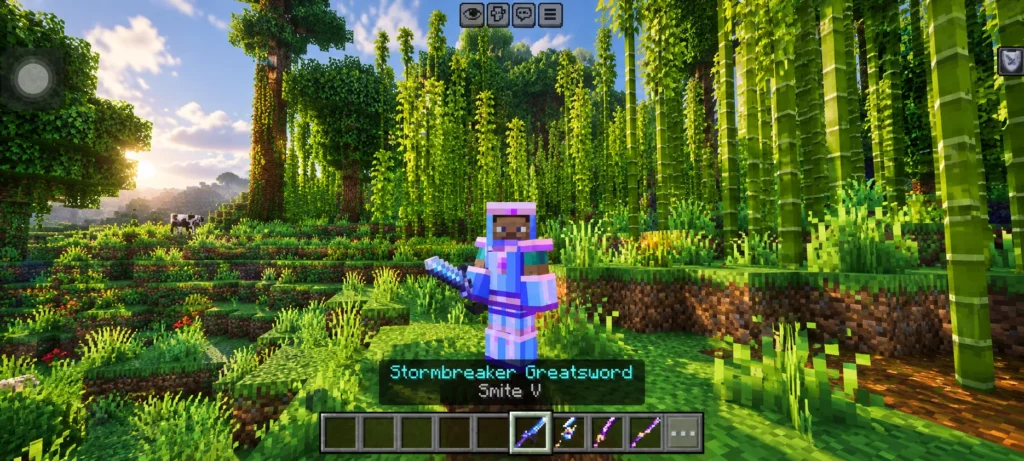
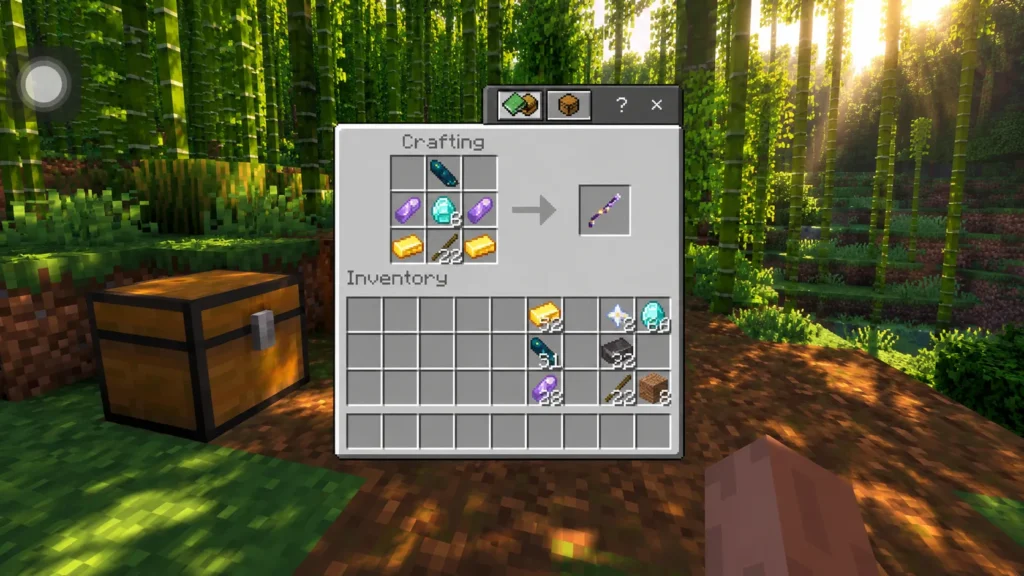
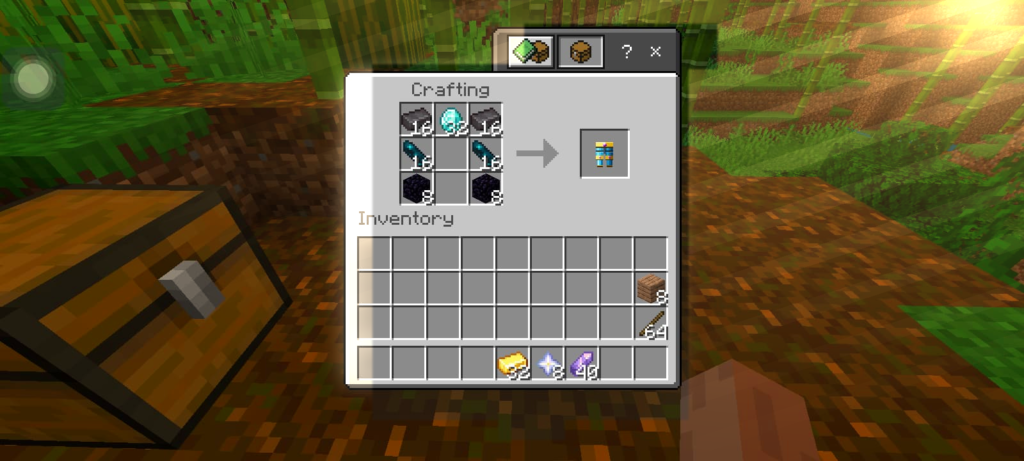
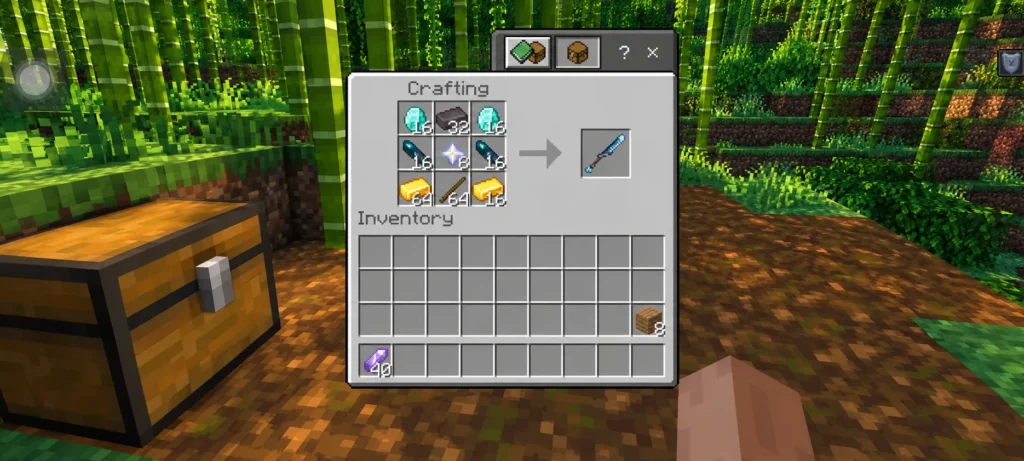
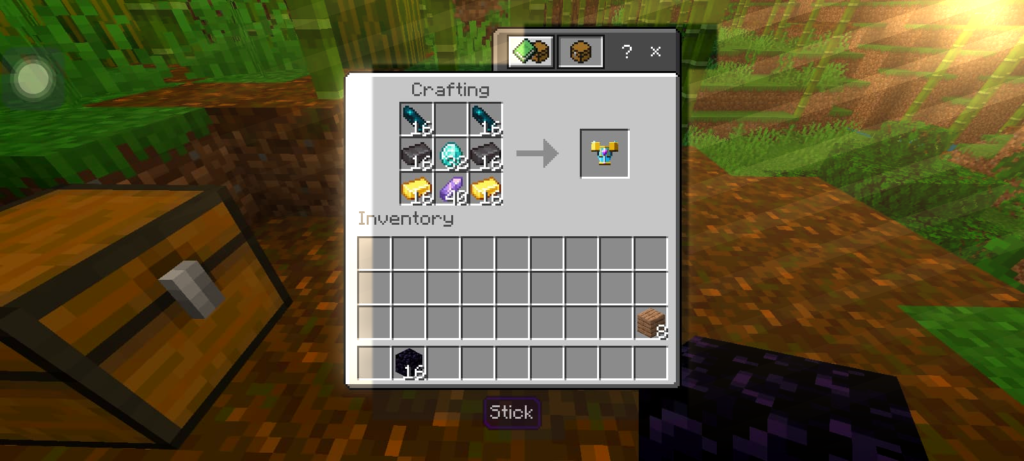
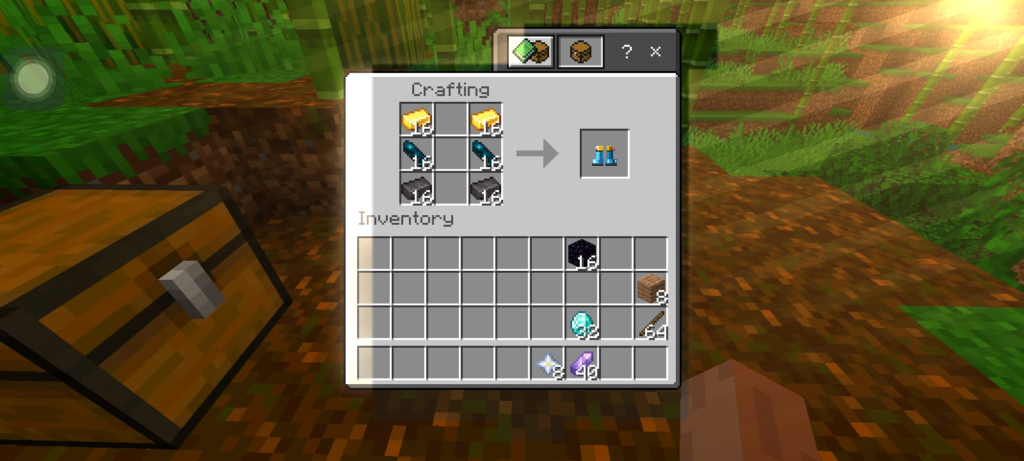
What Is Mythic Armory addon – Legendary Combat?
Mythic Armory – Legendary Combat is a Minecraft Bedrock addon that can be found on CurseForge. As suggested by the title, it could be a fantasy themed armory. Thus, it is better to have a look at the description and images of the addon provided in its official listing on the site.
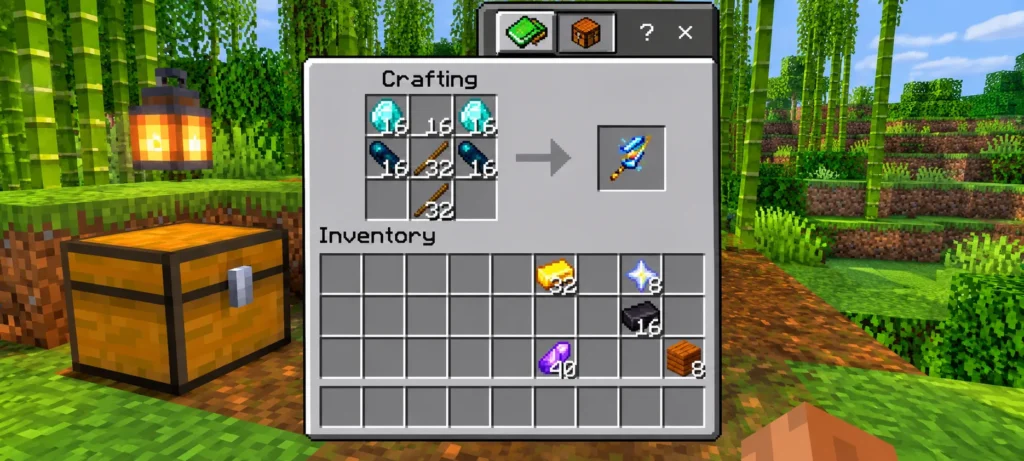
Not all of the possible features related to fantasy should be expected in this addon. It is important to review it carefully because it is about to be added to your survival world.
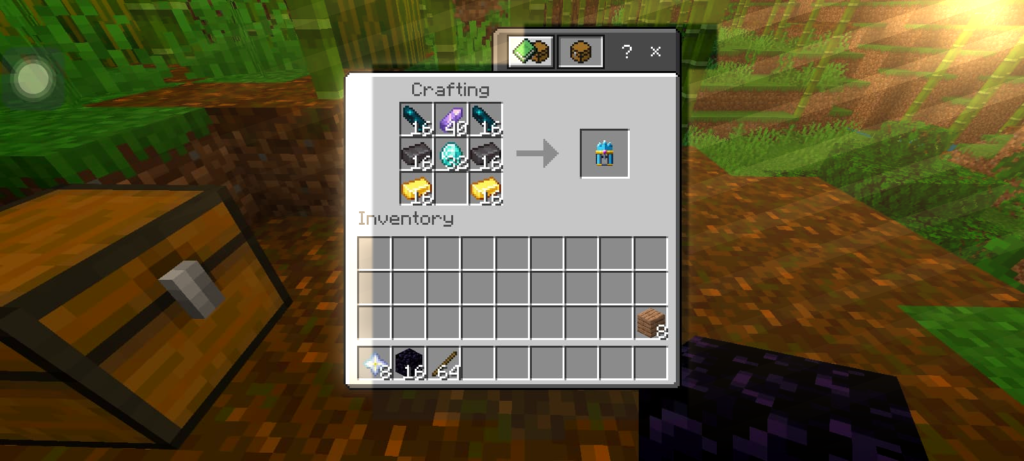
What to Check Before Installing
1. Review the Included Content
First, begin with the description and gallery that comes with the addon. See the features provided by the addon developer, and how they fit with the screenshots. You will have a good idea about what to expect after importing this addon.
2. Check Minecraft Bedrock Compatibility
Some addons may require certain Minecraft versions or packs. Do not rely solely on the name of the project for information regarding its version. Please look at the version information included in the file.
3. Read the Installation Instructions
Check whether the creator provides a .mcaddon, .mcpack, or another supported file format. Follow the instructions supplied with the download, and enable the required packs in your world settings.
4. Protect Existing Worlds
Before testing a new addon in a world you care about, create a backup. If the addon requires additional packs or experimental settings, follow its official instructions and test it in a separate world first when practical.
Ideas for Fantasy-Themed Minecraft Worlds
A fantasy-themed addon can be considered as part of a larger world-building project. Here are some ways to develop that style using your own Minecraft builds:
- Castle interiors: Create dedicated rooms for storage, displays, crafting, and decoration.
- Medieval settlements: Connect castles to villages with stone paths, gates, bridges, and market areas.
- Adventure maps: Give different locations their own architectural style and visual identity.
- Fantasy roleplay worlds: Use consistent building materials, banners, lighting, and room layouts to establish a setting.
- Showcase screenshots: Capture the actual addon in-game after installation so readers can see what it looks like in your version of Minecraft.
These are general building ideas, not a list of confirmed features included in Mythic Armory.
Download Mythic Armory – Legendary Combat
Explore Mythic Armory – Legendary Combat for Minecraft Bedrock and check the official addon details and compatibility on CurseForge.
How to Download Mythic Armory – Legendary Combat
Visit the official CurseForge project page to read the creator’s description, review the gallery, and check the available files.
Before downloading, verify the supported Minecraft Bedrock version and any installation requirements. Once the file has been imported, follow the creator’s instructions to activate the required packs in your test world.
Frequently Asked Questions
What is Mythic Armory – Legendary Combat?
It is a Minecraft Bedrock addon listed on CurseForge. Consult its official project description for the confirmed features and included content.
Which Minecraft version does it support?
Check the supported game versions shown on the official project page and the specific file listing.
How can I check what the addon includes?
Review the creator’s description, screenshots, and available files on CurseForge before installing it.
Should I install it in my main survival world?
Back up your world first. Testing an unfamiliar addon in a separate world can help you check compatibility before using it in an established save.
Where can I find the official download?
Visit the project’s official page to review the creator’s instructions and available files.
Final Thoughts
Mythic Armory – Legendary Combat is a project to investigate if its fantasy-armory theme matches the kind of Minecraft Bedrock world you want to create. Review the official screenshots and compatibility information before installing it, and use your own in-game experience to determine whether it fits your setup.