Villagers Guard – Medieval Village Walls addon for Minecraft Bedrock
Minecraft villages are useful places to explore, trade, and build around, but their simple layouts may not always match the medieval kingdom you have in mind. Villagers Guard – Medieval Village Walls is an addon for players interested in giving their Minecraft Bedrock village builds a more medieval-inspired atmosphere.
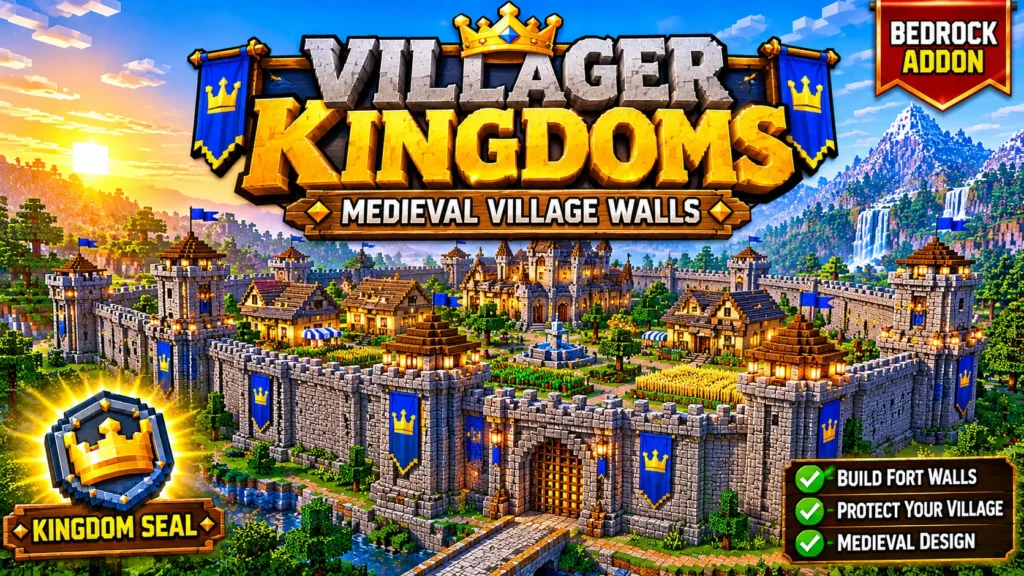
Whether you’re developing a settlement in survival mode or creating a larger kingdom in creative mode, village walls can help establish a clear boundary and give your build a more organised appearance.
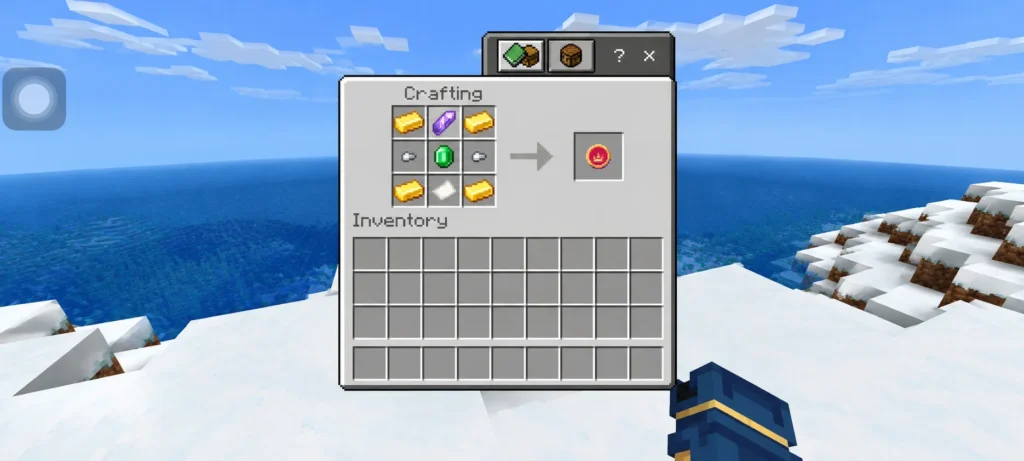
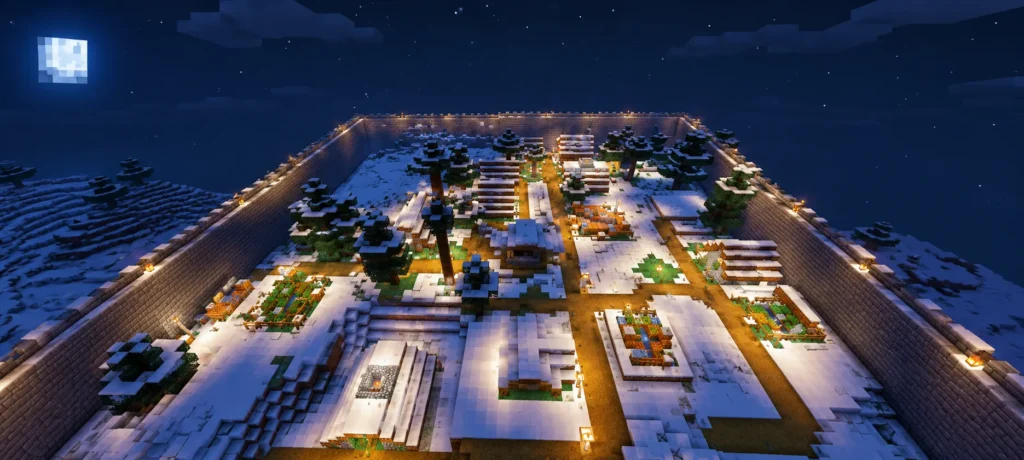
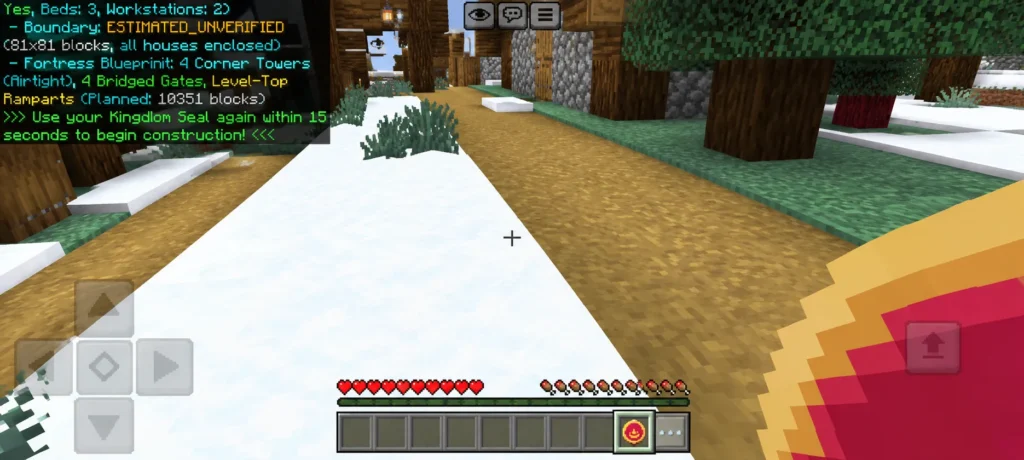
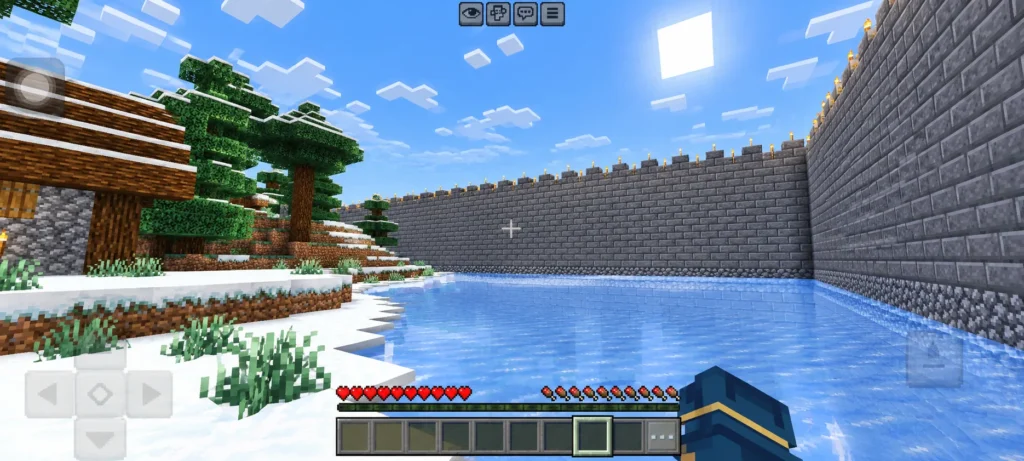
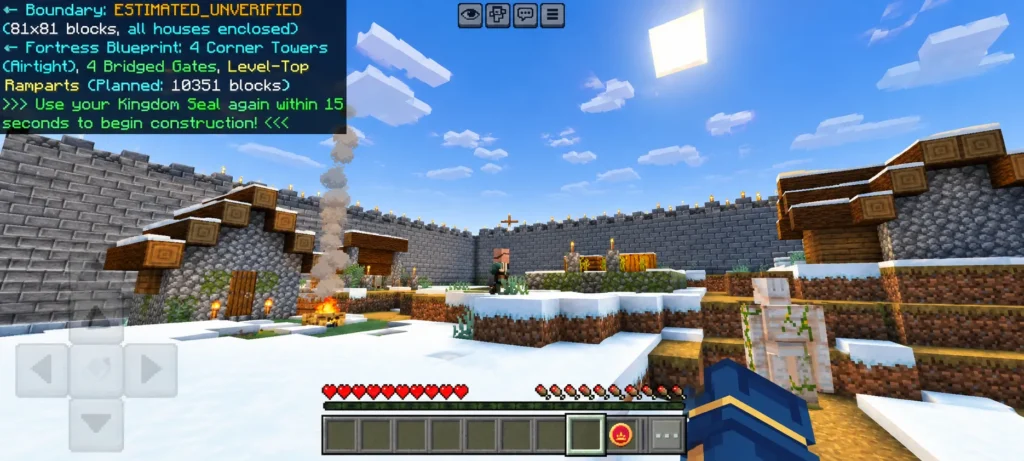
What Is Villagers Guard – Medieval Village Walls addon?
Villagers Guard – Medieval Village Walls is a Minecraft Bedrock addon listed on CurseForge. Its name focuses on two familiar medieval village themes: guards and protective village walls.
These themes are especially relevant to players who enjoy building fortified settlements, medieval towns, castles, and roleplay worlds. Instead of treating a village as just a collection of houses, players can use a medieval-inspired setup as part of a larger world-building project.
Check the addon’s official listing for its confirmed features, supported game versions, and installation requirements before adding it to your world.
Why Medieval Village Design Works Well in Minecraft
A medieval village can feel more connected to its surroundings when its layout has a clear purpose. Walls, entrances, watchtower-style buildings, and paths can help make a settlement look like a place where villagers live and work.
Here are a few ways this theme can fit into your world:
- Medieval settlements: Create a village with a defined boundary and a consistent building style.
- Castle towns: Connect a village to a nearby castle or larger fortified base.
- Creative builds: Use a medieval theme to develop detailed towns for screenshots, showcases, or personal projects.
- Survival worlds: Plan storage, farms, homes, and paths around a central settlement.
- Roleplay maps: Build a setting for village life, trading routes, and kingdom-style storytelling.
These are building ideas for the theme, not a claim that every feature is included in the addon itself.
Ideas for Using the Addon in Your World
1. Create a Defined Village Layout
Start by deciding where the village begins and ends. Leave enough room for houses, paths, farms, and future expansions. A planned layout can make even a small settlement feel more complete.
2. Match the Walls to Your Buildings
Stone bricks, cobblestone, spruce wood, and other medieval-style blocks can work well together. Choose a consistent palette so the walls and surrounding structures feel like parts of the same settlement.
3. Build a Main Entrance
A recognisable entrance can become the focal point of a village. Consider a gatehouse-style structure, a road leading into the central area, or a path connecting the settlement to nearby farms and landmarks.
4. Connect the Village to the Wider World
Medieval settlements look more convincing when they are connected to other locations. Roads, bridges, farms, riverside paths, and a nearby castle can help the village feel like part of a larger world.
5. Check Compatibility Before Loading Your World
Minecraft Bedrock addons can behave differently across game versions. Read the CurseForge listing carefully, confirm the supported version, and follow the creator’s installation instructions. Back up an existing world before testing a new addon.
How to Install Villagers Guard – Medieval Village Walls
- Open the official CurseForge page linked below.
- Read the description and check the supported Minecraft Bedrock versions.
- Download the appropriate file provided by the creator.
- If the download is a compatible
.mcaddonor.mcpackfile, open it with Minecraft and wait for the import to finish. - Open your world settings and enable the required packs, following the creator’s instructions.
- Enter the world and check that the addon works as expected.
The exact setup may vary depending on the files included in the download. Enable experimental options only if the creator specifically requires them.
Download Villagers Guard – Medieval Village Walls
Explore this medieval-themed Minecraft Bedrock addon and check its official features and compatibility on CurseForge.
Is Villagers Guard – Medieval Village Walls Worth Trying?
If you enjoy medieval architecture, fortified settlements, and carefully planned Minecraft villages, this addon is worth exploring through its official listing. Before installing it, check the screenshots and feature description to see whether its contents match the style of world you want to create.
For the best results, combine a consistent building palette with a clear village layout and enough room for the settlement to grow.
Frequently Asked Questions
What is Villagers Guard – Medieval Village Walls?
It is a Minecraft Bedrock addon listed on CurseForge, with a theme centred on guards and medieval village walls.
Which Minecraft version does it support?
Check the official CurseForge listing and the selected file’s version information for current compatibility.
Can I use it in an existing world?
Back up your world first, then follow the creator’s installation and compatibility instructions before enabling the addon.
Does it include every structure shown in medieval village builds?
Not necessarily. Confirm the actual included content using the creator’s description and screenshots rather than assuming every suggested building is part of the addon.
Where can I download it?
Visit the official Villagers Guard – Medieval Village Walls CurseForge page to review the available files, description, and installation details.