BRG Cinematic Atmosphere for Minecraft Bedrock: Vibrant Visuals Shader Pack
BRG Cinematic Atmosphere is a Vibrant Visuals resource pack for Minecraft Bedrock Edition, created by BRGamers. It rebuilds the game’s look around one idea: a clean, cinematic image that stays playable. Cool blue daytime skies, warm golden sunsets, soft volumetric fog, and balanced lighting come together in a style the creator describes as YouTube-ready — natural enough for survival, polished enough for screenshots and videos.
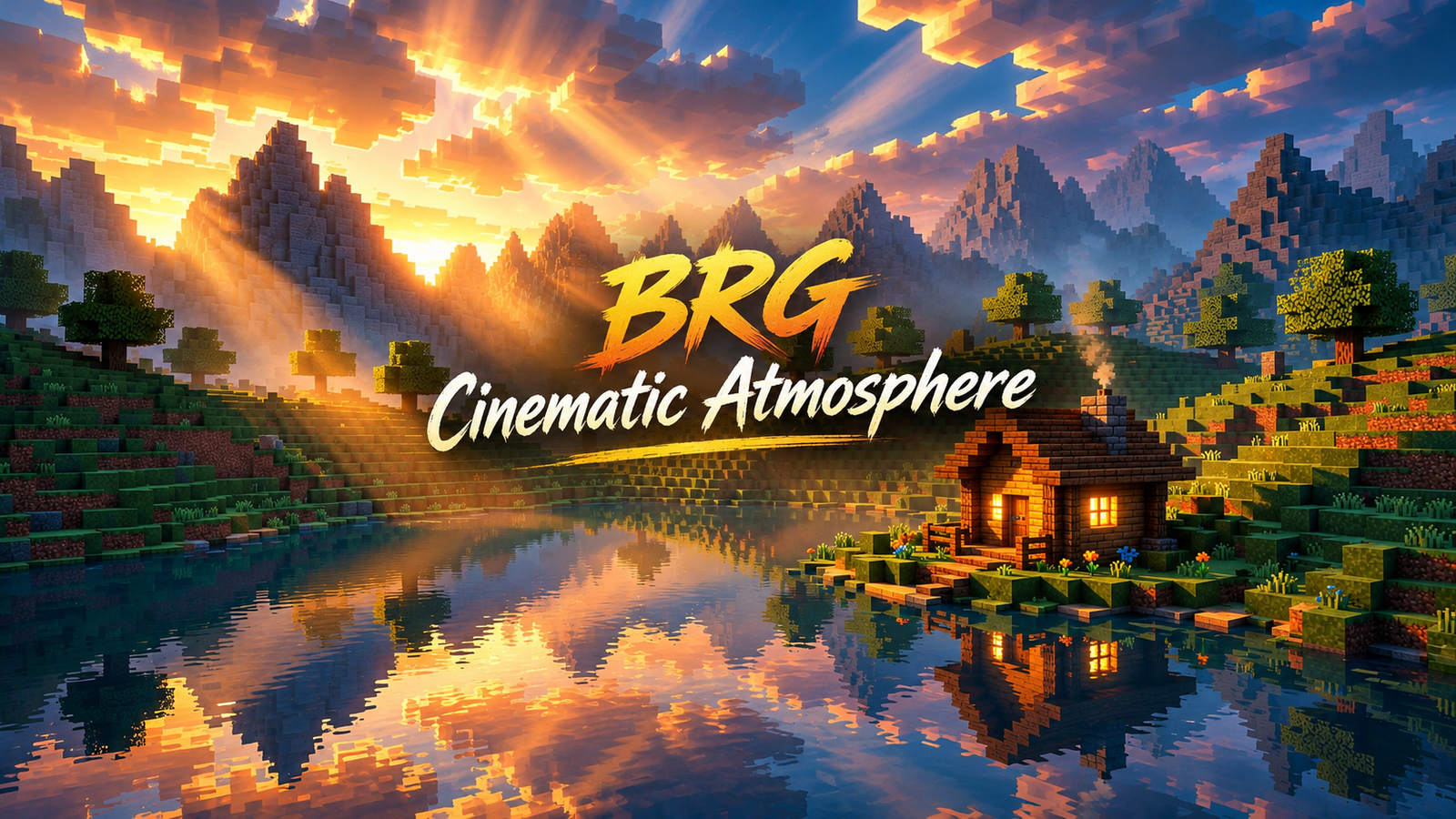
This is a resource pack only. There is no behavior pack, no scripts, and no gameplay changes. Everything it does is visual, and it requires Minecraft 1.21.80 or newer with Vibrant Visuals (deferred rendering) enabled. Without Vibrant Visuals turned on, the pack’s effects will not appear.
Quick Facts
- Pack: BRG Cinematic Atmosphere by BRGamers (brgamers)
- Type: Resource pack only — no behavior pack
- Minecraft version: 1.21.80 and above
- Required: Vibrant Visuals / deferred rendering enabled in Video settings
- Platforms: Android, Windows, iOS — wherever Vibrant Visuals is supported
- File format: .mcpack
- Last updated on CurseForge: October 11, 2026
- Credit note: inspired by Astralex Visuals (original work by reefycraft)
What the Pack Actually Changes
Instead of pushing colors to extremes, Cinematic Atmosphere aims for a middle ground: readable during gameplay, dramatic in screenshots. Here is what each system does, based on the creator’s documentation.
1. Sky and Atmosphere
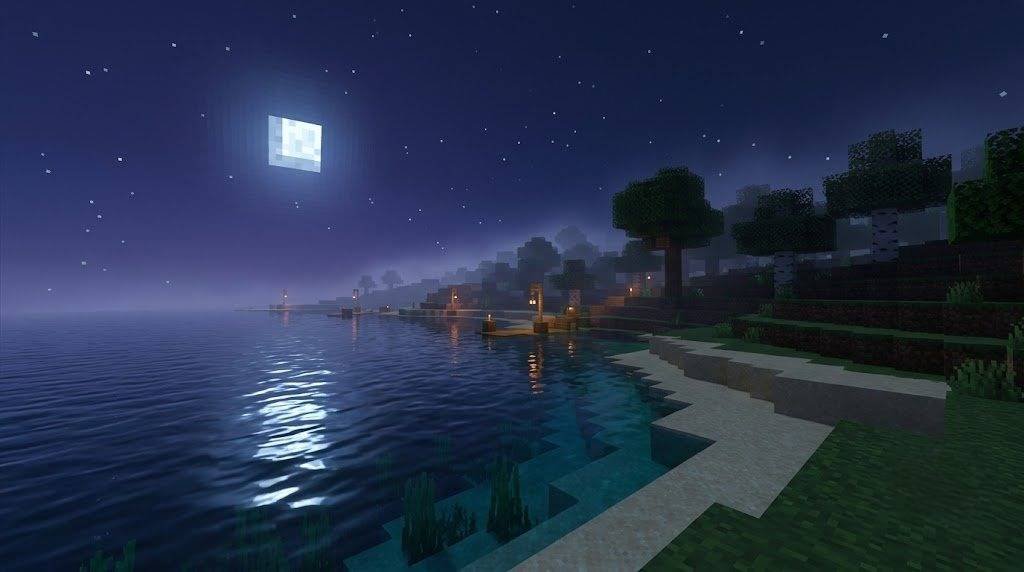
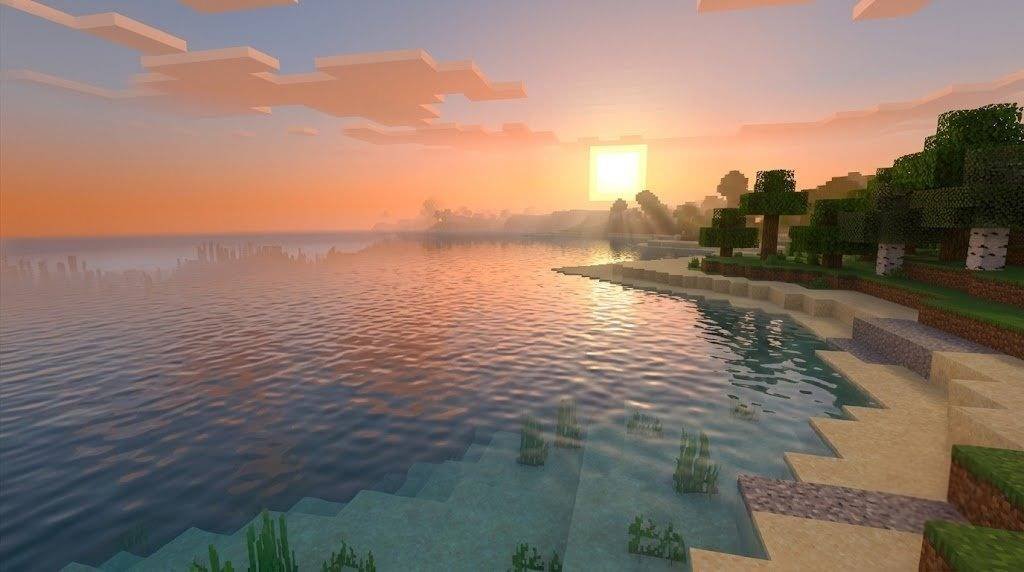
Daytime skies use a cool, natural blue zenith that blends softly into the horizon. At sunrise and sunset the horizon shifts into golden-orange and soft pink — the classic golden-hour look that suits lakeside builds, mountain bases, and coastal villages. Nights go deeper with blue-violet tones, but visibility is preserved so you can still play comfortably after dark.
The creator adjusted Rayleigh and Mie scattering to produce gentle god rays around sunrise and sunset. The effect is deliberately restrained: visible light shafts without a blown-out or unnatural sky.
2. Lighting
Lighting is the pack’s strongest area. The sun follows a warmer, more natural color curve — bright and pleasant at midday, turning into warm gold that washes over terrain at sunset. Moonlight is cooler and softer, giving nights a calm mood.
Two practical details matter for survival players: ambient lighting is balanced so caves and shaded areas don’t turn pitch black, and shadows stay soft and dramatic without crushing dark corners. Torches, lanterns, and campfires emit a warm amber glow, while soul fire and soul lanterns keep their cool cyan identity for contrast.
3. Fog and Depth
Fog is tuned per biome rather than applied as one flat effect. Nearby blocks stay sharp while distance fades into atmospheric depth, which gives landscapes a stronger sense of scale:
- Forests and jungles — slightly denser, greener atmosphere
- Swamps — thicker, moodier air
- Snowy regions — crisp, cold feeling
- Deserts — clearer with a soft heat haze
- Nether and Deep Dark — their own darker atmospheres
4. Water
Water surfaces look cleaner and more reflective, and underwater areas carry a natural blue-green tint. The goal is a more realistic, cinematic feel without hurting underwater visibility — important if you build near oceans or explore ocean monuments.
5. Color Grading
The pack uses ACES tonemapping with tuned contrast, saturation, and white balance. Highlights are kept under control, midtones stay rich, and shadows are lifted just enough that the image never looks muddy. Grass, wood, ores, and mobs keep their vanilla identity — nothing is recolored into unrecognizable neon.
Requirements: Read Before Downloading
This is the part most players skip, and it’s the reason most “the pack doesn’t work” complaints exist:
- You need Minecraft Bedrock 1.21.80 or newer. Older versions are not supported.
- Vibrant Visuals must be enabled in Video settings. The pack is built on deferred rendering — with it off, you will not see the sky, lighting, or fog work.
- Your device must support Vibrant Visuals in the first place. If the option doesn’t appear in your Video settings, your device or version doesn’t support it, and no resource pack can change that.
- Activate the pack alone first. If another resource pack touches skies, lighting, or water, the two can conflict — test solo, then combine.
How to Install BRG Cinematic Atmosphere
Step 1: Download the .mcpack
Open the official CurseForge page and download the release that matches your game version. Make sure the download finishes completely before opening it.
Step 2: Import into Minecraft
Open the .mcpack file with Minecraft Bedrock on your device and wait for the import notification to confirm it finished.
Step 3: Activate the Pack
Enable it under Global Resources (to use everywhere) or under a single world’s Resource Packs (to test safely first). For a first test, a single world is the better choice.
Step 4: Turn On Vibrant Visuals
Go to Settings → Video and enable Vibrant Visuals. This step is mandatory — the pack’s effects depend on it.
Step 5: Test in a Trial World
Visit a plains biome at noon, then the same spot at sunset, then a cave at night. If all three look different from vanilla in the ways described above, the pack is working. Only then add it to your main survival world — and back that world up first.
Performance Notes
Vibrant Visuals packs use your GPU more than vanilla rendering, so expect some performance cost — how much depends on your device, render distance, and resolution. Practical advice:
- Test in a fresh world before committing your long-term survival save.
- Compare with the pack on and off at the same location and render distance.
- If frame drops appear, lower render distance a few chunks before blaming the pack — that single setting matters more than anything else.
- Close background apps and make sure the device isn’t thermally throttling during your test.
Cinematic Atmosphere vs BRGamers’ Other Packs
BRGamers publishes several visual packs. Here’s how this one differs from the two closest siblings:
- Cinematic Atmosphere — balanced, middle-ground cinematic look. The safe pick if you want prettier visuals without changing how the game reads.
- BRG Natural Radiance — pushes further toward ultra-realism: glossier sunlight, stronger shadows, water caustics. More dramatic, more demanding.
- BRG AuroraVale Visuals — leans atmospheric and stylized with turquoise water tones and warm sunset color work.
If you’re unsure, start with Cinematic Atmosphere. It’s the least likely to fight with your existing world style.
Who Is This Pack For?
- Survival players who want a prettier world without losing readability in caves or at night.
- Builders showing off houses, villages, and mega-builds — the golden-hour lighting does a lot of heavy lifting in screenshots.
- Content creators recording Bedrock gameplay or thumbnails — the “YouTube-ready” claim is really about controlled highlights and clean contrast on camera.
Download BRG Cinematic Atmosphere
Get the pack from the official CurseForge project page, where you’ll find the file, version history, and the creator’s own description:
Download BRG Cinematic Atmosphere
Get BRG Cinematic Atmosphere for Minecraft Bedrock 1.21.80+ and enjoy cinematic skies, golden sunsets, soft volumetric fog, and balanced Vibrant Visuals lighting.
Always download from the official page so you get the genuine file for your game version.
Frequently Asked Questions
What is BRG Cinematic Atmosphere?
A Vibrant Visuals resource pack for Minecraft Bedrock by BRGamers. It changes skies, lighting, fog, water, and color grading for a clean cinematic look. It adds no gameplay features.
Which Minecraft versions does it support?
Version 1.21.80 and above, according to the CurseForge page. Check the Files tab there for the exact build matching your game.
Do I need Vibrant Visuals enabled?
Yes. The pack is built for deferred rendering. With Vibrant Visuals off, its sky, lighting, and fog effects will not show.
Does it work on mobile?
It supports Android, Windows, and iOS — but only on devices and versions where Vibrant Visuals itself is available. If the option is missing from your Video settings, your setup doesn’t support it.
Will it slow down my game?
Vibrant Visuals rendering costs more GPU than vanilla. Test at your normal render distance in a trial world first, and reduce render distance if you see frame drops.
Can I use it with other resource packs?
You can try, but packs that alter skies, lighting, or water overlap with this one. Enable Cinematic Atmosphere alone first, confirm it works, then add others one at a time.
Is it free?
The CurseForge project page lists the download — grab it from there rather than third-party re-uploads.
Final Verdict
BRG Cinematic Atmosphere is the sensible middle ground of Bedrock visual packs: noticeably more cinematic than vanilla, without the readability sacrifices of heavier shaders. The biome-aware fog, restrained god rays, and warm amber light sources give it a distinct identity, and the ACES grade keeps everything looking natural on camera.
Just remember the two non-negotiables: 1.21.80+ and Vibrant Visuals enabled. Get those right, test in a trial world, and it does exactly what it promises.



Pingback: BRG Ultimate 100+ Original Skins for Minecraft Bedrock (Free Download) created by brgamers