Roller Coasters in Theme Park Tycoon 2: A Complete Beginner’s Guide
Roller coasters are one of the most exciting parts of Theme Park Tycoon 2. They give you much more freedom than regular rides because you can design the track, create your own layout, add drops, turns, banking and many other elements to make each ride feel different.
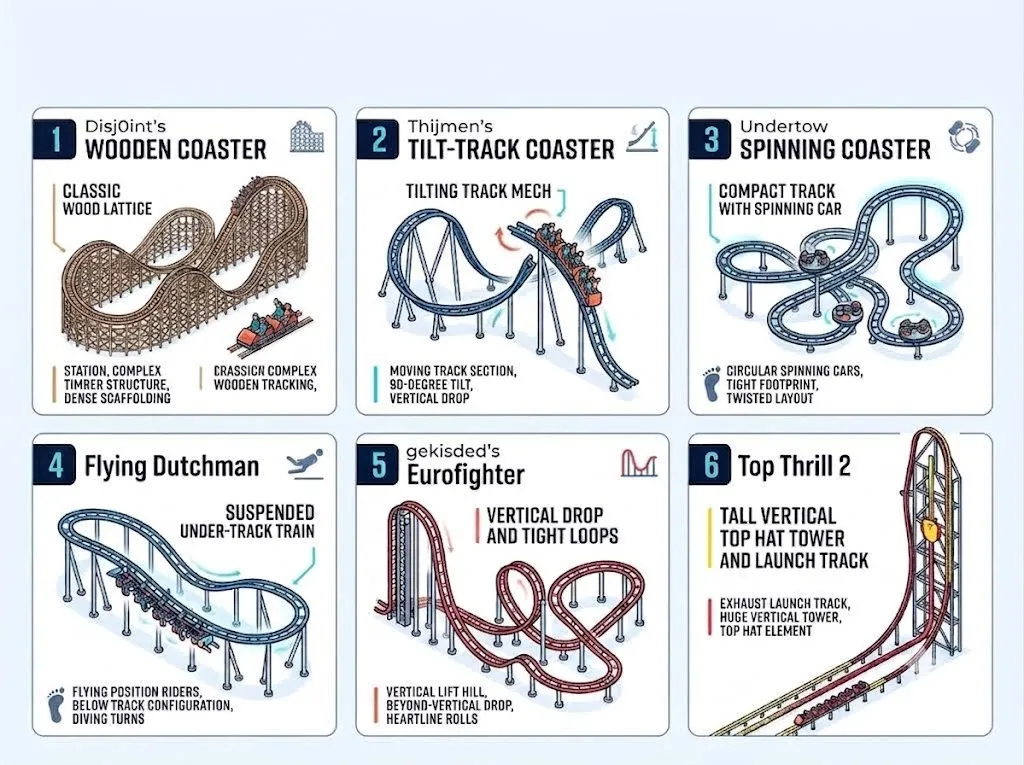
If you are new to building coasters, the number of track pieces and editing options can feel confusing at first. This guide explains how roller coasters work in Theme Park Tycoon 2, how a basic coaster layout is created and what you should understand before trying more advanced designs.
Quick Answer
A roller coaster in Theme Park Tycoon 2 is a custom track ride that allows you to build your own layout instead of simply placing a finished ride. You can create lift hills, drops, turns, banked sections and other track elements depending on the coaster and editor you are using.
The easiest way to start is by learning how a simple coaster layout flows: station → lift or launch → main drop → turns and elements → final brakes → station.
Quick Navigation
What Is a Roller Coaster in Theme Park Tycoon 2?
In Theme Park Tycoon 2, a roller coaster is a ride that uses a custom track system. Instead of placing one complete ride and leaving it as it is, you can build the track yourself and decide how the coaster moves around your park.
This gives you much more creative freedom. A coaster can be short and compact, tall and fast, heavily themed or built around terrain and scenery. Two players can use the same coaster type and still create completely different rides.
The track is usually built piece by piece. You begin with a station and then continue adding sections to create the full ride. Depending on the coaster and track tools available, you can add slopes, turns, drops, banking and other elements.
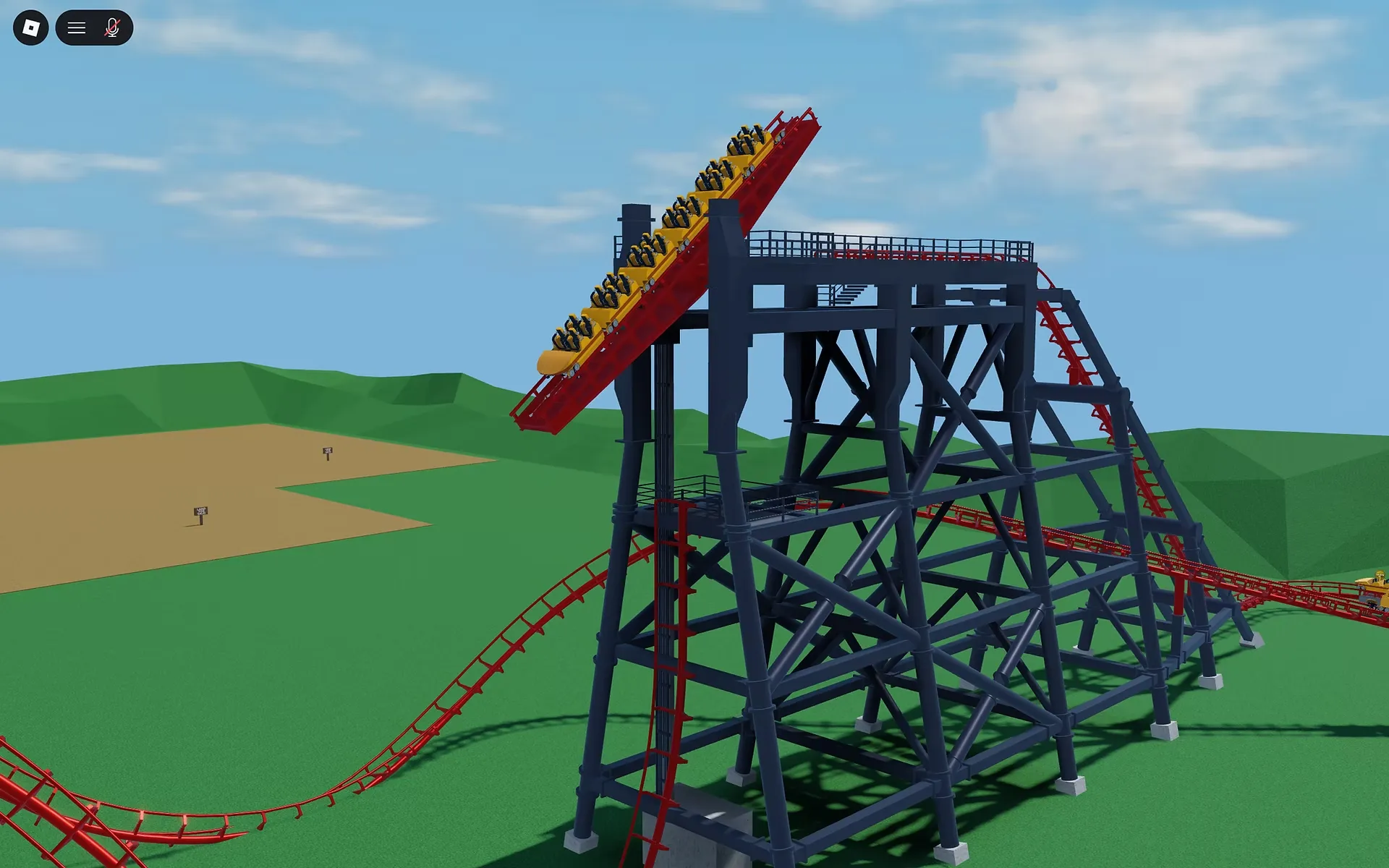
Roller coasters are also useful because they can become the main attraction of a park. A large coaster can act as the centre of a themed area, while a smaller coaster can fit inside a compact park layout.
How Do Roller Coasters Work?
Before designing a complicated coaster, it helps to understand the basic flow of a ride. Most coaster layouts are built around one important idea: the train needs a way to gain or maintain movement through the layout.
A traditional coaster often begins at the station and then climbs a lift hill. After reaching the highest point, the train travels down the first major drop and uses that movement to travel through the rest of the layout.
Other coaster designs may use launch sections instead of relying mainly on a traditional lift hill. The type of coaster and track elements available can change how you approach the layout.
The place where the ride begins and guests enter the coaster.
The coaster gains the height or speed needed for the ride.
A major drop usually creates the first big moment of the ride.
Turns, hills, twists and other sections create the main layout.
The coaster slows down before returning to the station.
You do not need to follow exactly the same layout every time. However, understanding this basic flow makes it much easier to design a coaster that feels organised instead of random.
Understanding a Basic Roller Coaster Layout
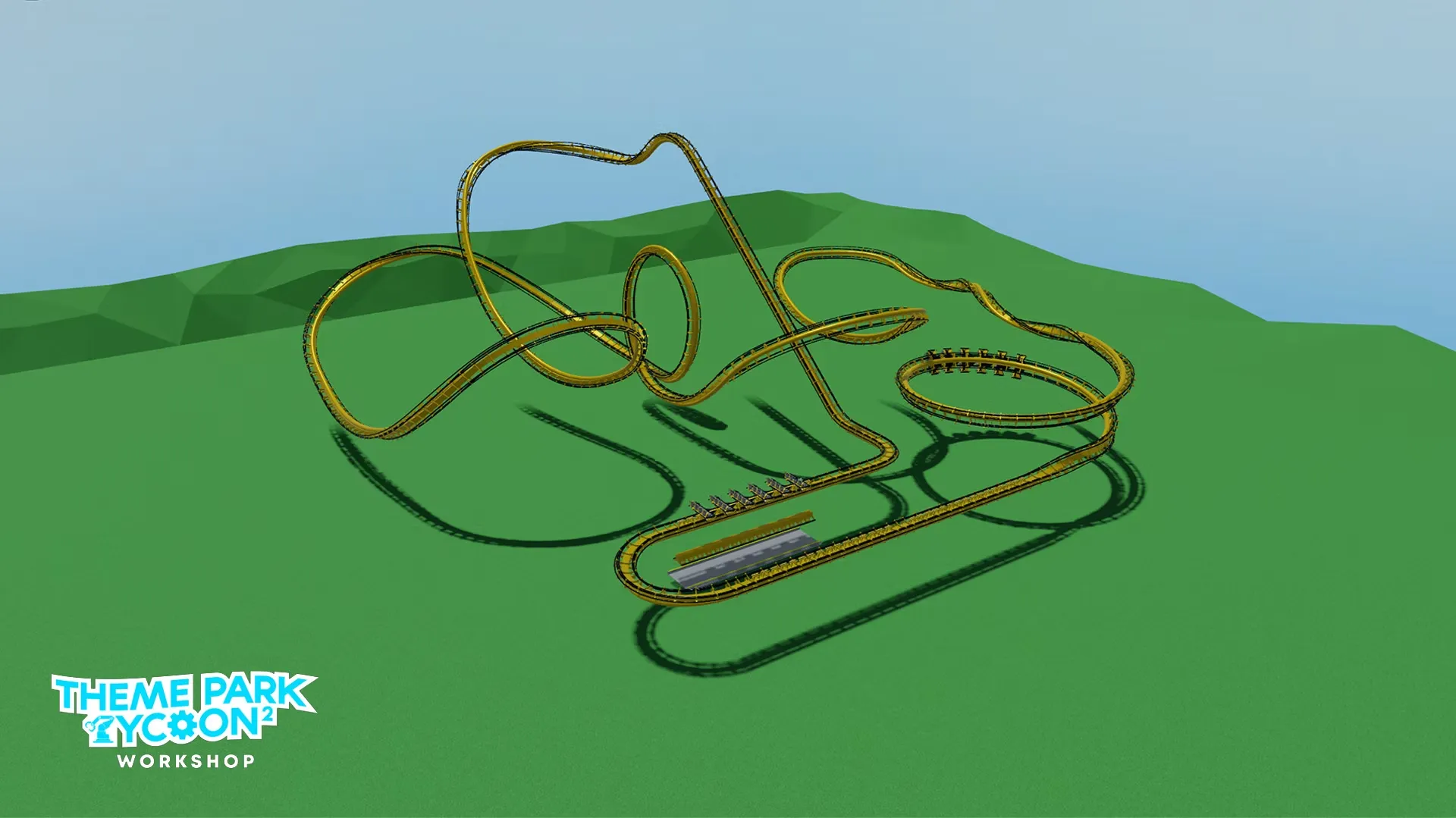
A roller coaster layout is the path your train follows from the station until it returns. The layout is one of the most important parts of the ride because it controls the pacing, direction and overall feeling of the coaster.
Beginners often make the mistake of adding track pieces without planning where the coaster is going. A better approach is to think about the ride in larger sections before worrying about every small turn.
A Simple Beginner Layout
- Build the station.
- Create a lift hill or starting acceleration section.
- Add a clear first drop.
- Build one or two major turns.
- Add a smaller hill, curve or interesting track element.
- Guide the coaster back toward the station area.
- Add brakes before the final return.
This does not mean every coaster should look the same. It simply gives you a structure to follow when you are learning. Once you understand how the layout flows, you can experiment with compact designs, launches, terrain coasters and more complicated track combinations.
Important Roller Coaster Track Elements
A good coaster is usually made from several different track elements. Learning what each section does makes it easier to create a layout that feels smooth and interesting.
Lift Hill
A lift hill raises the train and creates height before the main part of the ride begins.
Drop
Drops create downward movement and are often used after a major climb or high point in the layout.
Banked Turn
Banking tilts the track during a turn and can make a curve look more natural and visually exciting.
Hill
Smaller hills can change the pacing of a coaster and help prevent the layout from feeling flat.
Brake Section
Brake sections slow the train and help prepare the coaster for the next part of the layout or the station.
Launch Section
Some coaster layouts can use a launch-style section to quickly build speed instead of relying only on a traditional lift hill.
Twists and Turns
Different turns and directional changes help give the coaster its own identity and shape.
Station
The station is where the ride begins and ends, making it an important part of the coaster layout.
Basic vs Advanced Coaster Building
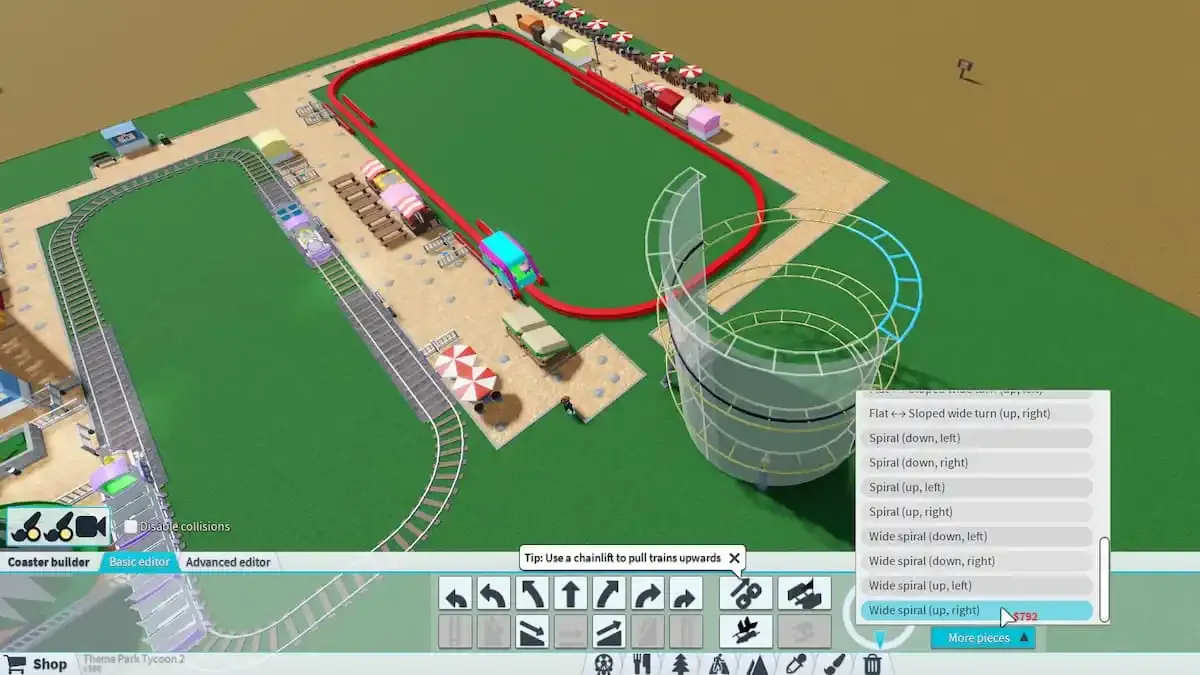
Theme Park Tycoon 2 gives builders different ways to create custom coaster track. The basic editor is easier for learning because it uses more predefined track pieces, while advanced tools offer more control over the shape and positioning of the track.
| Feature | Basic Building | Advanced Building |
|---|---|---|
| Difficulty | Easier for beginners | Requires more practice |
| Track Creation | Uses predefined pieces | Offers more detailed control |
| Best For | Learning layouts and simple coasters | Custom and detailed coaster designs |
| Freedom | More structured | More flexible |
Beginners should not feel pressured to start with advanced building tools. A clean and well-planned coaster made with simple pieces can look better than a complicated layout that has no clear direction.
Once you understand coaster pacing, turns and layout flow, advanced editing can help you create smoother transitions and more original designs.
What Makes a Roller Coaster Design Look Good?
A good roller coaster is not only about making the track as tall or as complicated as possible. The best-looking designs usually have a clear layout, smooth direction changes and a consistent style.
The layout should feel like it is moving toward something instead of randomly changing direction.
Sudden and awkward changes can make a coaster look unfinished.
Mix larger moments with smaller turns and hills so the entire ride does not feel identical.
A coaster does not always need a huge plot. Compact layouts can be interesting when the track is planned carefully.
Scenery, buildings and terrain can make the coaster feel like part of a complete themed area.
Useful Tips for Beginner Roller Coaster Builders
- Start with a small coaster instead of trying to build the biggest ride in your park immediately.
- Plan the general direction of the coaster before adding every small track piece.
- Leave enough space around the station for queue paths and decoration.
- Use a clear first drop or major starting moment to give the coaster direction.
- Avoid repeating the exact same turn or hill too many times.
- Check how the coaster looks from different angles while building.
- Use scenery and terrain after the basic track layout is working.
- Save your more experimental ideas for separate test builds when you are learning advanced track design.
Common Roller Coaster Building Mistakes
- Making the coaster too large: Bigger does not always mean better. A compact and well-planned layout can be more interesting.
- Adding random elements: Every turn, hill and drop should feel like part of the same layout.
- Ignoring the return to the station: Always think about how the coaster will eventually come back.
- Using too much empty space: A layout can look unfinished if the track is spread too far apart without a reason.
- Forgetting about scenery: The track is important, but scenery can completely change how the finished ride looks.
- Starting with advanced designs too early: Learn basic layouts first and then experiment with more detailed coaster building.
Frequently Asked Questions
What is the easiest roller coaster to build for beginners?
A small and simple coaster with a station, lift hill, main drop, a few turns and a return section is usually the easiest place to start. Focus on understanding the layout before trying complicated elements.
Should I use the basic or advanced coaster editor?
Beginners should usually start with the basic building tools because predefined pieces make it easier to understand coaster layouts. Advanced tools become more useful when you want greater control over track shape and smoother custom designs.
How do I make my roller coaster look more realistic?
Focus on smooth transitions, sensible turns, consistent track shaping and a clear layout. Adding scenery, terrain and themed buildings can also make the ride feel more complete.
Does a roller coaster need to be very large?
No. Compact coasters can look excellent when the available space is used carefully. A smaller layout is often easier to plan and can be a good way for beginners to learn coaster building.
What should I build first: the coaster or the scenery?
It is usually easier to create the main track layout first. Once you know where the coaster travels, you can add terrain, buildings and scenery around it.
Why should I plan my coaster layout before building?
Planning helps you avoid running out of space, creating random turns or struggling to bring the track back to the station. Even a rough idea of the layout can make building much easier.
Final Thoughts
Roller coasters are one of the best ways to show creativity in Theme Park Tycoon 2. You do not need to build a huge or complicated ride to create something enjoyable. Learning how stations, lifts, drops, turns and track flow work will give you a strong foundation for more advanced builds.
Start with simple layouts, experiment with different track shapes and pay attention to how each section connects to the next. Once you understand the basics, you can move on to more detailed roller coaster designs and create rides that fit your own park style.
Pingback: 8 Best Roblox Tycoon Games to Play
Pingback: 8 Best Roblox Tycoon Games to Play in 2026 for Fun